Ultimate Guide to Repairing Laptop Water Damage: Steps to Save Your Device
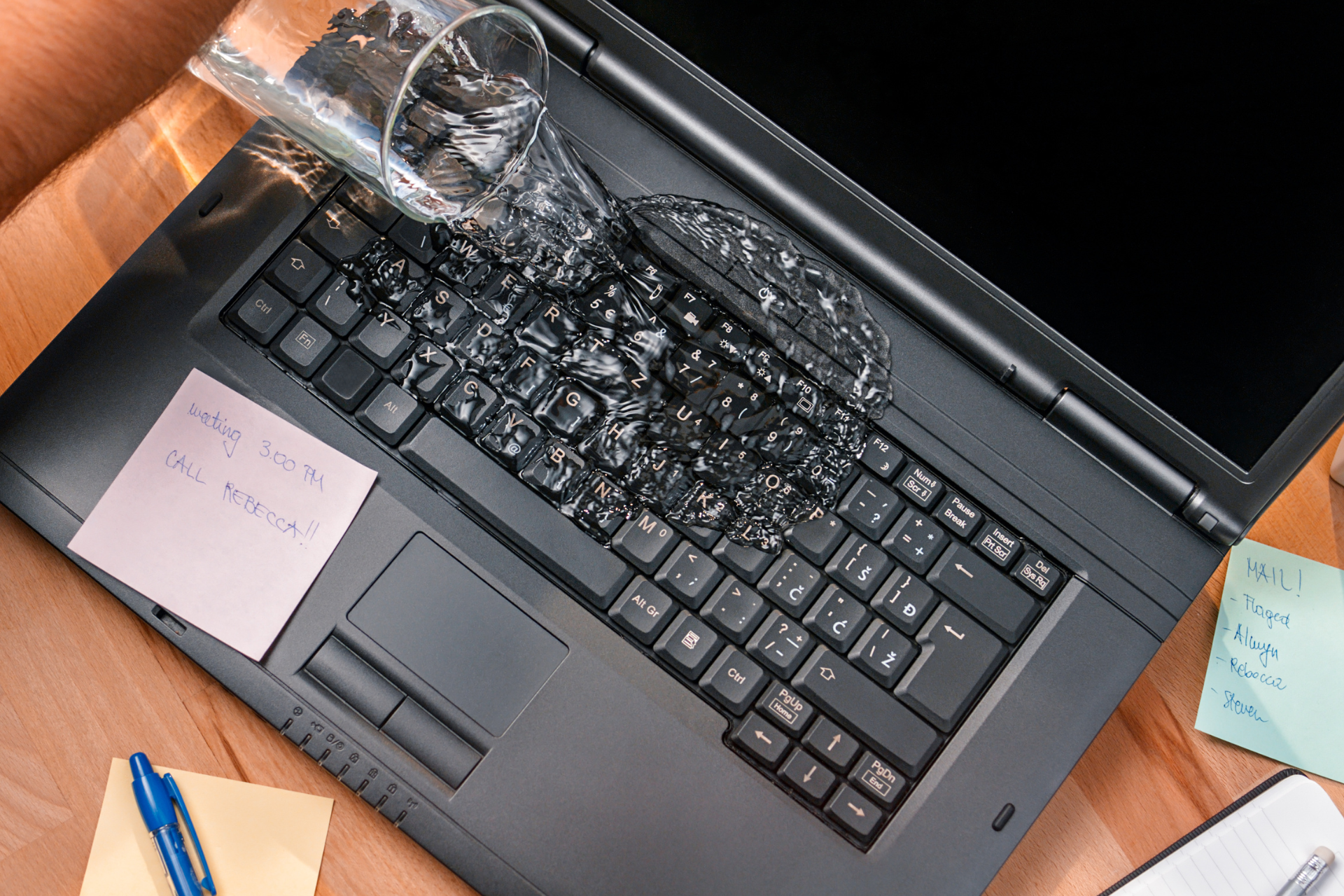
Laptop Water Damage

Hey there! If you’re reading this, it probably means that your laptop has encountered an unfortunate run-in with liquid, and now you're on a mission to save it. Don’t panic! At Nicell Wireless, we understand that accidents happen, and we're here to help guide you through the process of addressing laptop water damage. Follow these steps to increase your chances of bringing your device back to life.


Step 1: Power Down Immediately


The first rule of thumb when dealing with water damage is to turn off your laptop immediately. If your device is still on, pressing the power button can save the internal components from short-circuiting. If it’s plugged in, disconnect the charger too. This step is crucial to prevent further damage.


Step 2: Remove the Battery (If Applicable)


If your laptop has a removable battery, take it out as soon as you can. This will cut off all power sources and help reduce the risk of electrical damage. If your laptop has a built-in battery, don’t worry; just focus on drying and drying out the device.


Step 3: Drain the Liquid


Next up, you need to get as much liquid out as possible. Tilt the laptop at an angle with the keyboard facing down. This allows any pooled liquid to escape. Be gentle! Remember, the goal is to minimize how much liquid seeps into the interior components.


Step 4: Dry It Off


Now it’s time to dry things up. Use absorbent towels or microfiber cloths to carefully blot (don’t wipe!) the exterior of the laptop, especially around ports and crevices where liquid might be lurking. Avoid using a hairdryer or other heat sources, as this can warp or damage internal components.


Step 5: Let It Air Dry


Once you’ve blotted off the excess liquid, it’s time for some good old-fashioned air drying. Place the laptop in an upside-down V position (like a tent) to allow air circulation. Ideally, let it sit for at least 24-48 hours in a room with good airflow. Patience is key here—allowing it to fully dry can make a significant difference.


Step 6: Use Desiccants (Optional)


If you want to take extra precautions, consider using desiccants like silica gel packs. These can help absorb moisture from within the device. Place the laptop in a large container with a few gel packs, ensuring that they don’t come into direct contact with the laptop itself.


Step 7: Check and Test


After a good drying period, it’s time to put your laptop to the test. Reinsert the battery (if removed) and plug in your charger. Power it on and see if it starts up normally. Keep an eye out for unusual behavior like odd noises or flickering lights, as this could indicate ongoing problems.


Step 8: Seek Professional Help


If your laptop does not power on or continues to act strangely, it’s time to bring in the pros. At Nicell Wireless, our team is equipped to handle various types of laptop repair, including those suffering from water damage. Don’t hesitate to reach out—we’ve got your back!


In conclusion, while water damage can be a scary experience, you can take steps to mitigate its effects. Follow these guidelines, and hopefully, your laptop will be back to its old self in no time. Remember, prevention is always better than cure; consider investing in a protective keyboard cover or keeping drinks away from your workspace! Happy repairing!
Tablet repair service at Nicell Cell Phone Repair store in Utah
By HUMBERTO DIAS • October 8, 2026
Need tablet repair in Utah? Nicell repairs iPads, Samsung Galaxy tablets and more, including screens, batteries, charging problems and water damage.
Phone & Electronics Repair in Utah | Nicell Cell Phone Repair
By HUMBERTO DIAS • October 5, 2026
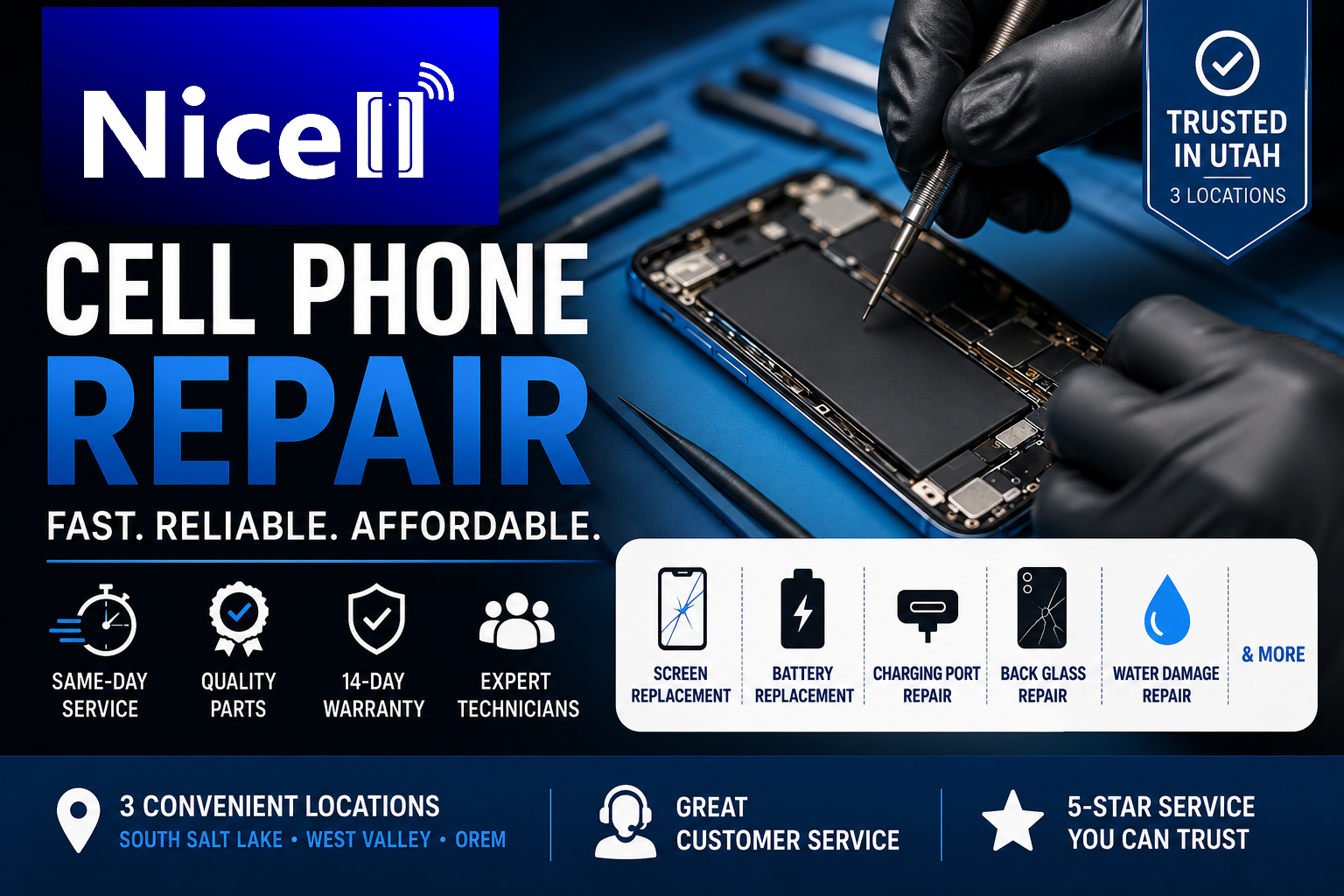
Nicell Cell Phone Repair fixes phones, tablets, computers, laptops and game consoles at three Utah locations: South Salt Lake, Orem and West Valley City.
Nicell Cell Phone Repair tools and smartphone repair parts displayed on a teal repair mat in Utah
By HUMBERTO DIAS • October 2, 2026
Phone, iPhone, Samsung, Pixel, tablet, computer and game console repair in Utah. Discover Nicell Cell Phone Repair services in South Salt Lake, Orem and West Valley City.
Two iPhones with protective cases on a wooden table at Nicell Cell Phone Repair in West Valley City,
By HUMBERTO DIAS • September 30, 2026
iPhone won’t charge? Learn 7 things to try before repair, how to identify charging port or battery problems, and when to visit Nicell in West Valley City, Utah.
iPhone repair parts and replacement components in South Salt Lake Utah
By HUMBERTO DIAS • September 24, 2026
Is your iPhone not charging? Try these 7 things before paying for charging port repair. Learn when you need iPhone repair in South Salt Lake, Utah.
Technician performing iPhone charging port repair in Orem Utah
By HUMBERTO DIAS • September 22, 2026
Is your iPhone not charging? Try these 7 things before paying for charging port repair. Learn when you need iPhone repair in Orem, Utah.
iPhone trade-in and cell phone repair in Orem, Utah
By HUMBERTO DIAS • September 17, 2026
Thinking about upgrading to the iPhone 18? Learn whether repairing your iPhone before trading it in could make sense in Orem and Utah County.
iPhone and cell phone repair in West Valley City, Utah
By HUMBERTO DIAS • September 15, 2026
Thinking about upgrading to the iPhone 18? Learn whether repairing your iPhone before trading it in could improve its value. West Valley City guide.
Cell phone repair technician repairing an iPhone in South Salt Lake Utah
By HUMBERTO DIAS • September 5, 2026
Planning an iPhone upgrade? Learn whether repairing your iPhone before a T-Mobile trade-in could improve your options. Nicell South Salt Lake.
Broken MacBook and tablet needing repair in Orem, Utah
By HUMBERTO DIAS • August 25, 2026
Can ChatGPT help fix your MacBook or tablet? Learn what AI can troubleshoot and when you need professional MacBook, tablet and computer repair in Orem, Utah.
Broken iPhone repair at Nicell Cell Phone Repair in South Salt Lake, Utah
By HUMBERTO DIAS • August 20, 2026
Find out where to get iPhone battery replacement in South Salt Lake, Utah, including pricing, repair time, supported iPhone models, and local service.
Nicell Cell Phone Repair card with iPhone battery replacement tools and electronics equipment Orem
By HUMBERTO DIAS • August 13, 2026
Why is your iPhone battery draining fast? Discover 10 causes, solutions, and when to get iPhone battery replacement from Nicell Cell Phone Repair in Orem.
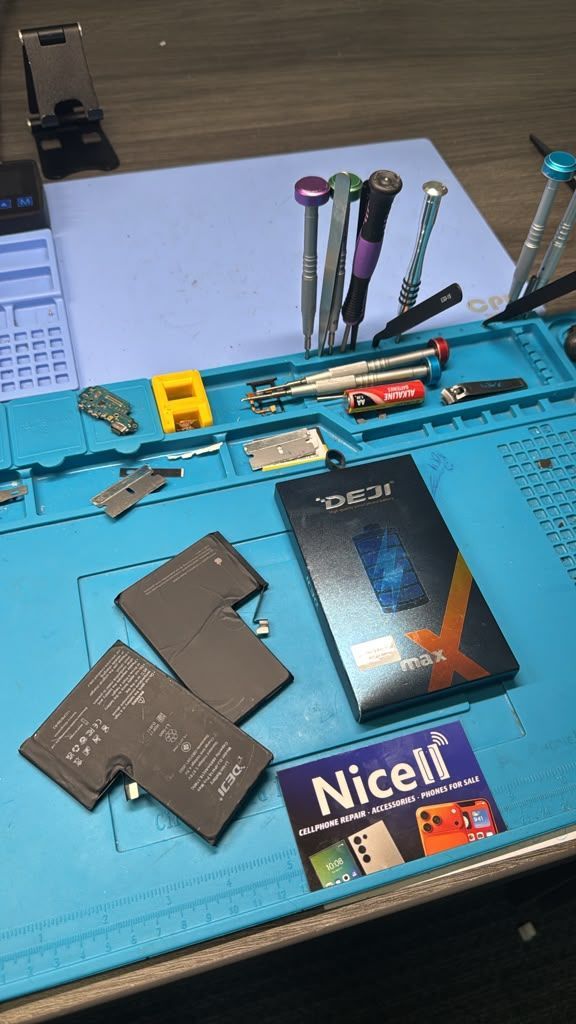
DEJI phone batteries for cell phone repair, battery replacement and smartphone repair in Salt Lake
By HUMBERTO DIAS • August 11, 2026
Find reliable cell phone repair in Salt Lake City, Utah. Nicell offers iPhone and Samsung screen, battery, back glass and charging port repair.
iPhone water damage repair inspection at Nicell Cell Phone Repair South Salt Lake Utah
By HUMBERTO DIAS • August 6, 2026
Dropped your phone in water? Learn what to do before repair. Nicell Cell Phone Repair in South Salt Lake provides water damage diagnostics and repair.
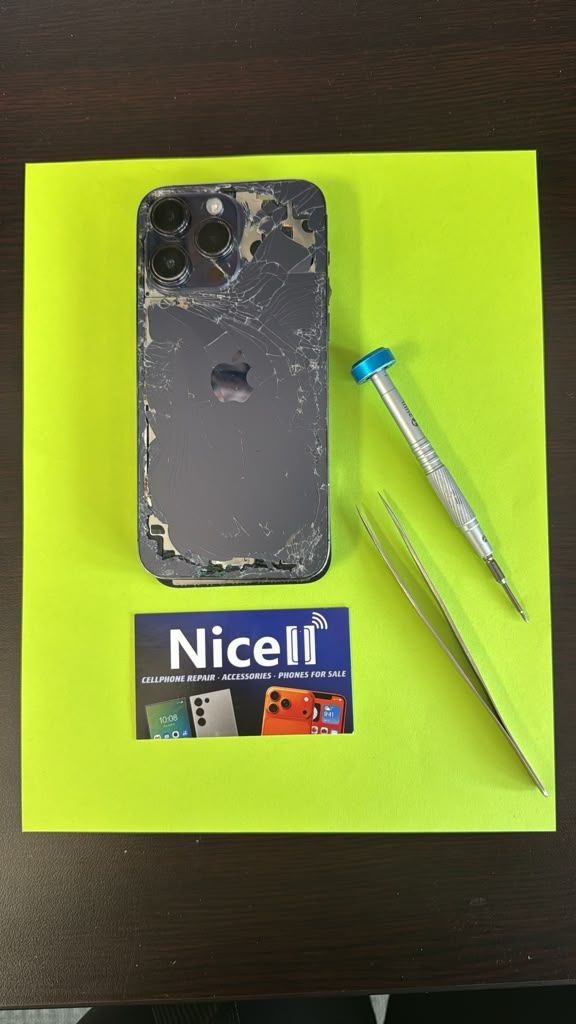
Broken black iPhone with repair tools and Nicell Cell Phone Repair box for smartphone repair in Orem
By HUMBERTO DIAS • August 3, 2026
Learn iPhone back glass repair costs in Utah and save $20 OFF at Nicell Cell Phone Repair Orem. Fast, affordable iPhone repair in Utah County.
Teléfonos en venta West Valley City Utah iPhone Samsung desbloqueados Nicell Cell Phone Repair
July 29, 2026
Encuentra teléfonos en venta en West Valley City, Utah. iPhone, Samsung desbloqueados, smartphones y financiamiento disponible en Nicell Cell Phone Repair.
Cell phone repair technician workspace at Nicell Cell Phone Repair South Salt Lake with repair tools
By HUMBERTO DIAS • July 24, 2026
Need iPhone screen repair in South Salt Lake, Utah? Nicell offers same-day cracked screen replacement, affordable phone repairs, and professional service for Salt Lake City, Murray, Holladay, and nearby areas.
Cell phone repair in Orem Utah featuring a smartphone and Nicell Cell Phone Repair
By HUMBERTO DIAS • July 22, 2026
Looking for phone repair in Orem Utah? Nicell Cell Phone Repair helps UVU students and local customers with iPhone, Samsung, tablet, and computer repairs.
Same day phone repair in West Valley City Utah for iPhone and smartphones
By HUMBERTO DIAS • July 17, 2026
Need cell phone repair in West Valley City? Nicell offers iPhone, Samsung & smartphone repairs with $20 OFF all repairs. Fast local service you trust.
Nicell Cell Phone Repair in South Salt Lake Utah providing iPhone, Samsung, and smartphone repair
By HUMBERTO DIAS • July 15, 2026
Need phone repair in South Salt Lake, UT? Nicell offers same-day iPhone, Samsung, screen, battery, charging port, and device repair services near Salt Lake City.
By HUMBERTO DIAS • July 2, 2026
Protect your phone this summer, especially for delivery drivers. Get $20 off repairs at Nicell Cell Phone Repair today!
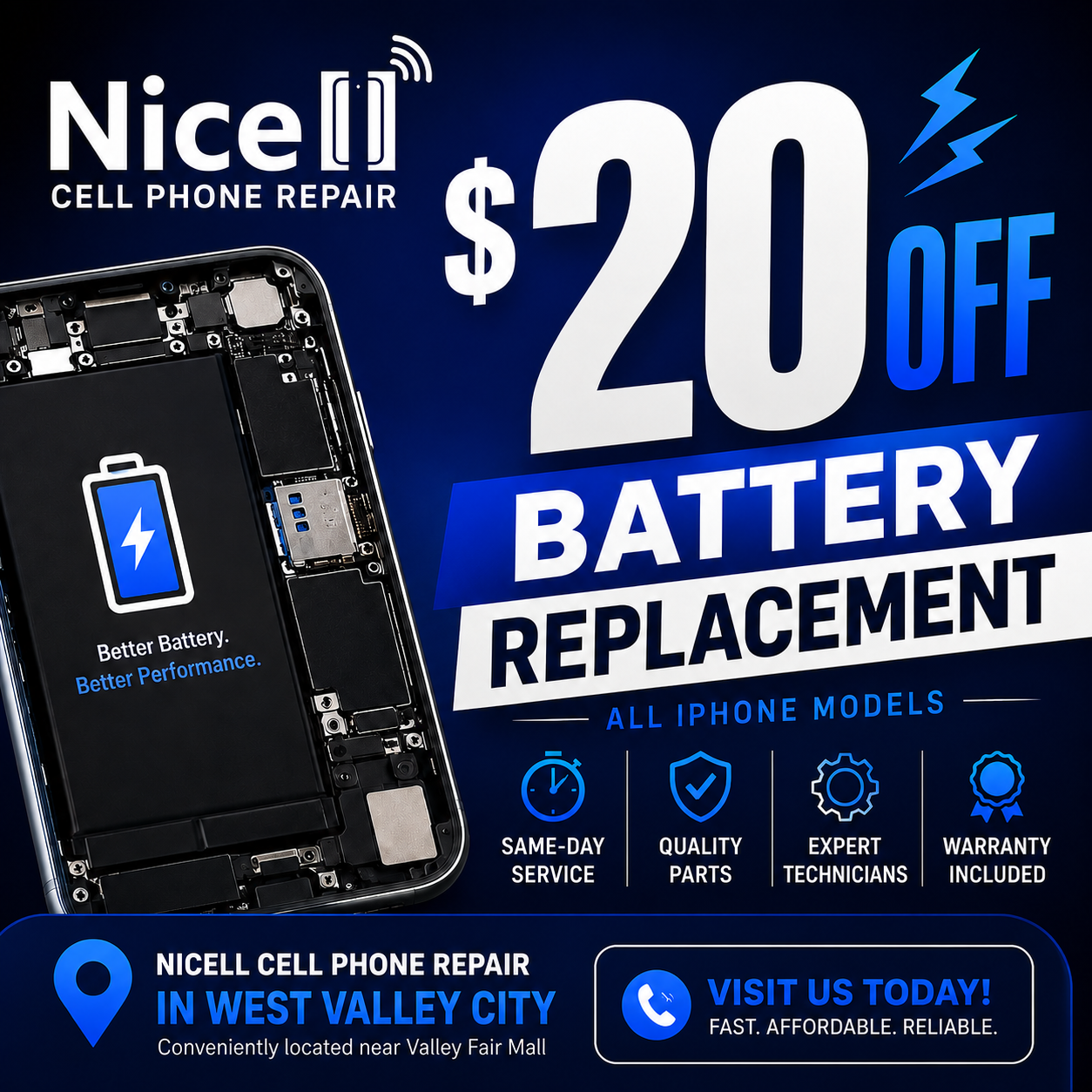
Blue promo ad for Nice Cell Phone Repair: $20 off battery replacement, all phone models, West Valley City.
By HUMBERTO DIAS • July 1, 2026
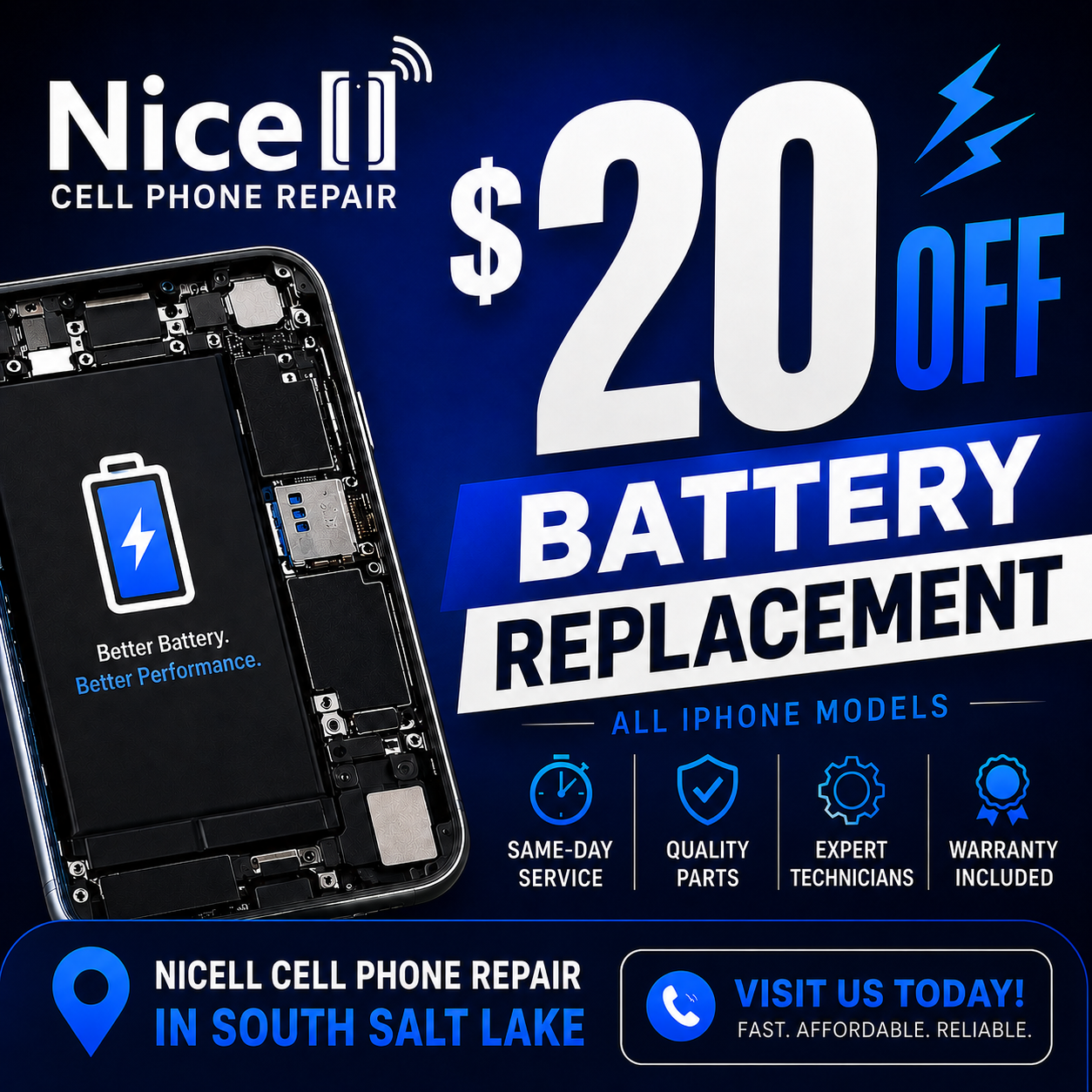
Get same-day iPhone battery replacement at Nicell Cell Phone Repair. Enjoy $20 off today and restore your device's performance!
By HUMBERTO DIAS • June 29, 2026
Fast, Affordable Phone Repair FAQs for South Salt Lake and Surrounding Areas
By HUMBERTO DIAS • June 26, 2026
South Salt Lake Cell Phone Repair | Battery Replacement Near Salt Lake City
More Posts