Why Won’t My iPhone Charge? 7 Things to Try Before Repair - West Valley
Your iPhone Won’t Charge? Here’s What to Check Before You Pay for a Repair
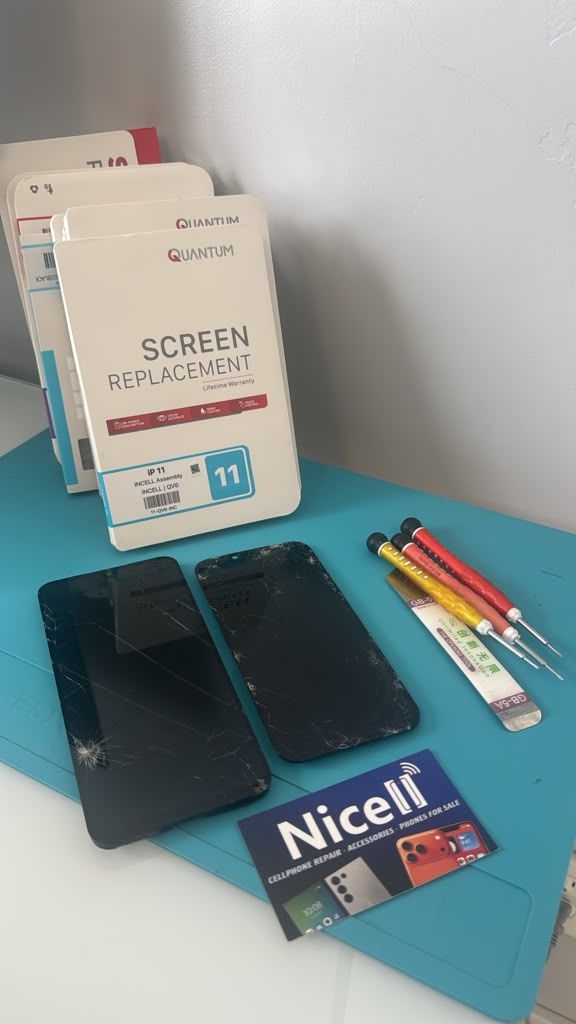
Why Won’t My iPhone Charge? 7 Things to Try Before Repair
Is your iPhone plugged in but not charging? Before paying for a charging port repair, there are several things you can safely check at home. A dirty charging port, damaged cable, faulty power adapter, software problem, battery issue, or damaged charging port can all cause an iPhone to stop charging.
If you're in West Valley City, Taylorsville, Kearns, Magna, Hunter, Granger, or nearby areas, this guide explains what to check first—and when it is time to have your iPhone professionally inspected.
Quick Answer: Why Isn't My iPhone Charging?
The most common reasons an iPhone won't charge include:
- Dirt or lint inside the charging port
- A damaged or defective charging cable
- A faulty wall adapter or power source
- A software problem
- A damaged charging port
- A worn-out or failing battery
- Liquid or corrosion damage
Start with the simple solutions below before assuming your iPhone needs a repair.
1. Try a Different Charging Cable
A damaged Lightning or USB-C cable is one of the easiest things to overlook.
Check the cable for:
- Fraying or exposed wires
- Bent connectors
- Loose connections
- Burn marks or unusual discoloration
- A connector that feels loose inside the phone
If possible, try a different known-good cable and see whether your iPhone begins charging.
If the second cable works normally, your iPhone may be fine and the original cable may be the problem.
2. Try a Different Charger or Outlet
The problem may not be your iPhone at all.
Try connecting your phone to:
- A different wall adapter
- A different electrical outlet
- Another USB-C power source
- A computer USB port
- A known-good charging accessory
If your iPhone charges normally with another power source, the original charger or outlet may be responsible.
3. Check the Charging Port for Dirt or Lint
A charging port can collect pocket lint, dust and debris over time.
Even a small amount of compacted debris can prevent the charging connector from making proper contact with the charging contacts inside the port.
You may notice that:
- The cable doesn't go completely into the port
- The cable feels loose
- The iPhone only charges when the cable is held at an angle
- Charging starts and stops
- The phone recognizes the cable but does not charge consistently
Be careful when cleaning the port. Do not force objects into the charging connector or use anything that could damage the contacts.
If the port appears damaged or heavily contaminated, professional inspection is safer than repeatedly trying to clean it yourself.
4. Restart Your iPhone
Sometimes an iPhone can experience a temporary software or charging-related problem.
Try restarting the device and then reconnecting the charger.
If your iPhone is completely unresponsive, you may need to perform a force restart using the button combination for your specific model.
If the phone still will not charge after restarting and you've already tested another cable and charger, the problem may require further diagnosis.
5. Check Whether Your iPhone Has Been Exposed to Liquid
If your iPhone was recently exposed to:
- Water
- Rain
- A drink
- Pool water
- Humidity
- Moisture
do not continue repeatedly connecting the charger.
Liquid exposure can cause corrosion or electrical problems inside the charging system. In some cases, the phone may initially continue working but develop charging or power problems later.
If your iPhone was exposed to liquid and is now having charging problems, professional inspection can help determine whether moisture or corrosion is involved.
6. Consider the Battery
A failing battery can create charging and power problems.
Common warning signs include:
- Battery draining unusually fast
- Unexpected shutdowns
- The phone becoming unusually hot
- The battery percentage behaving strangely
- The iPhone shutting down with charge remaining
- The phone refusing to turn on or maintain a charge
A battery problem does not necessarily mean you need a new phone.
Depending on the iPhone model and overall condition, replacing the battery may restore normal daily performance and extend the useful life of the device.
7. Pay Attention to How the Charging Cable Behaves
One of the most useful clues is how the phone reacts when you connect the cable.
For example:
The iPhone does nothing
The problem could involve the cable, charger, charging port, battery, or another internal component.
The iPhone charges only at a certain angle
This can indicate a damaged or worn charging port or a connection problem.
Charging repeatedly starts and stops
This can be caused by the cable, debris, charging port, software, battery, or internal damage.
The phone says it is charging but the battery percentage does not increase
The battery, charger, cable, software, or charging system may need further diagnosis.
A professional inspection can help determine the actual cause instead of replacing parts unnecessarily.
When Does an iPhone Need Charging Port Repair?
If you've tried a different cable and charger, restarted the phone, and checked for obvious debris, but the iPhone still will not charge, the charging port may need professional attention.
Charging port repair may be appropriate when:
- The connector is physically damaged
- The cable feels unusually loose
- The phone only charges at certain angles
- Charging repeatedly disconnects
- The port has corrosion or liquid damage
- The phone does not recognize known-good charging accessories
- Cleaning does not resolve the problem
Not every charging problem requires replacing the charging port. That's why proper diagnosis matters.
Should I Replace the Charging Port or the Battery?
These problems can look similar.
For example, an iPhone with a severely worn battery may have trouble maintaining a charge, while a damaged charging port may prevent the phone from charging properly in the first place.
A technician can evaluate the phone and determine whether the problem is related to:
- The charging port
- The battery
- The cable
- The charging adapter
- Software
- Liquid damage
- Another internal component
The goal should be to identify the actual problem before replacing a part.
How Much Does iPhone Charging Port Repair Cost?
The cost of an iPhone charging problem depends on the model and the cause of the problem.
A simple charging-port cleaning may be very different from repairing physical port damage, corrosion, or another internal component.
Before approving a repair, ask what is causing the problem and what the repair involves.
At Nicell Cell Phone Repair, customers can have their device evaluated so the appropriate repair option can be explained before the work is performed.
How Long Does iPhone Charging Port Repair Take?
Repair time depends on the iPhone model, the type of damage, parts availability, and whether additional damage is discovered during diagnosis.
Many common phone repairs can be completed the same day, but some repairs require additional time.
If you need your phone for work, school, communication, or everyday life, ask about the expected turnaround time before starting the repair.
What Should I Do If My iPhone Won't Charge After Water Damage?
If your iPhone was exposed to water or another liquid and now will not charge:
- Disconnect the charger.
- Turn the phone off if possible.
- Do not repeatedly try charging it.
- Do not put the phone in rice.
- Have the device professionally inspected as soon as possible.
Liquid damage can continue causing corrosion even after the outside of the phone appears dry.
iPhone Charging Port Repair in West Valley City, Utah
If you've tried the basic troubleshooting steps and your iPhone still will not charge, Nicell Cell Phone Repair in West Valley City can inspect the device and determine whether the problem involves the charging port, battery, liquid damage, or another component.
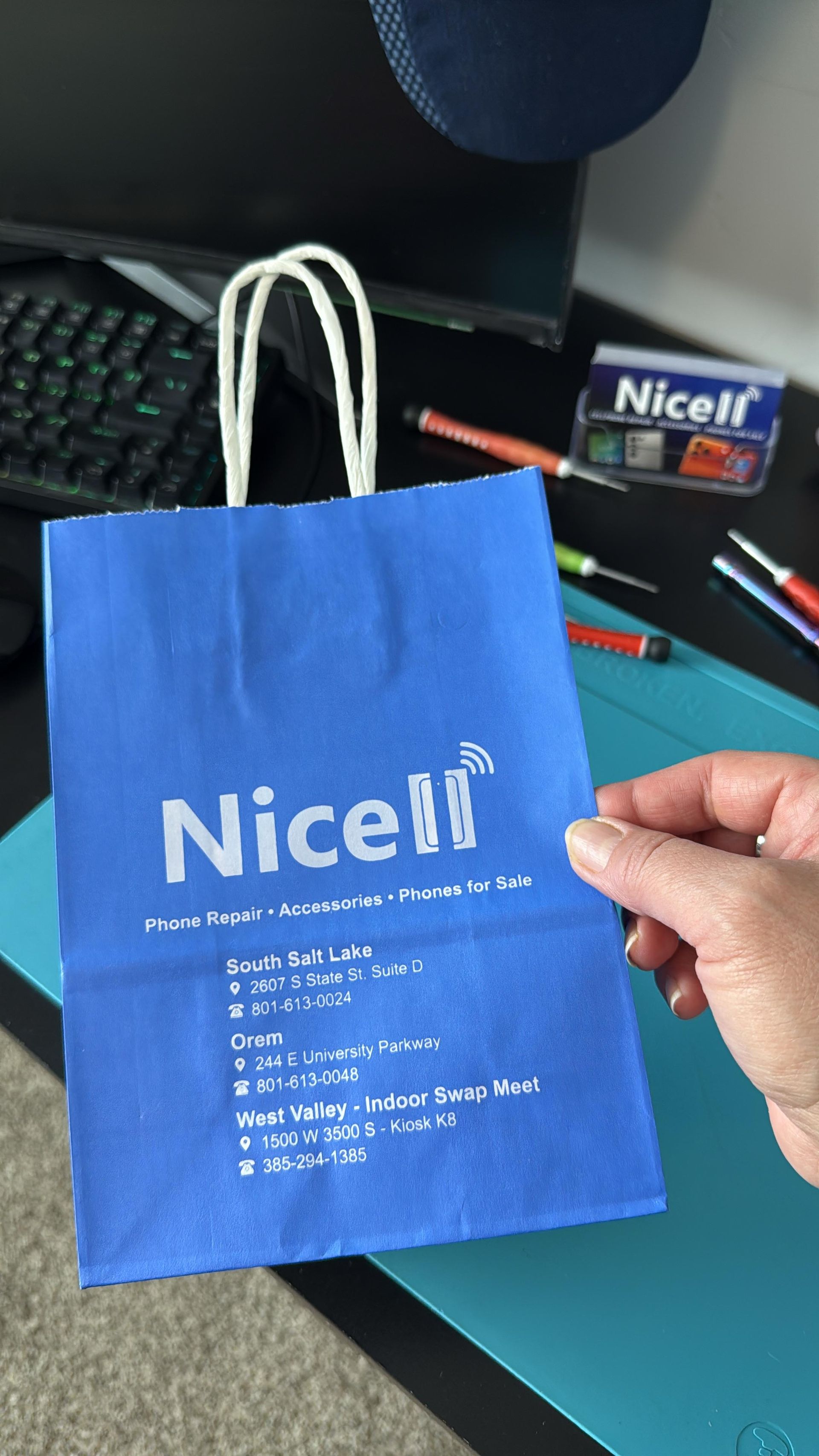
Our West Valley City location is inside Salt Lake's Indoor Swap Meet:
Nicell Cell Phone Repair – West Valley City
1500 W 3500 S
Booth K-8
West Valley City, UT 84119
We repair iPhones, Samsung Galaxy devices, Google Pixel phones, Motorola phones, OnePlus and other smartphones. We also provide tablet, computer and other electronics repair services.
Common services include:
- iPhone screen repair
- iPhone battery replacement
- Charging port repair
- Back glass repair
- Camera repair
- Speaker and microphone repair
- Water damage diagnostics
- Board-level repair
- Samsung repair
- Google Pixel repair
- Motorola repair
- Tablet and iPad repair
- Computer repair
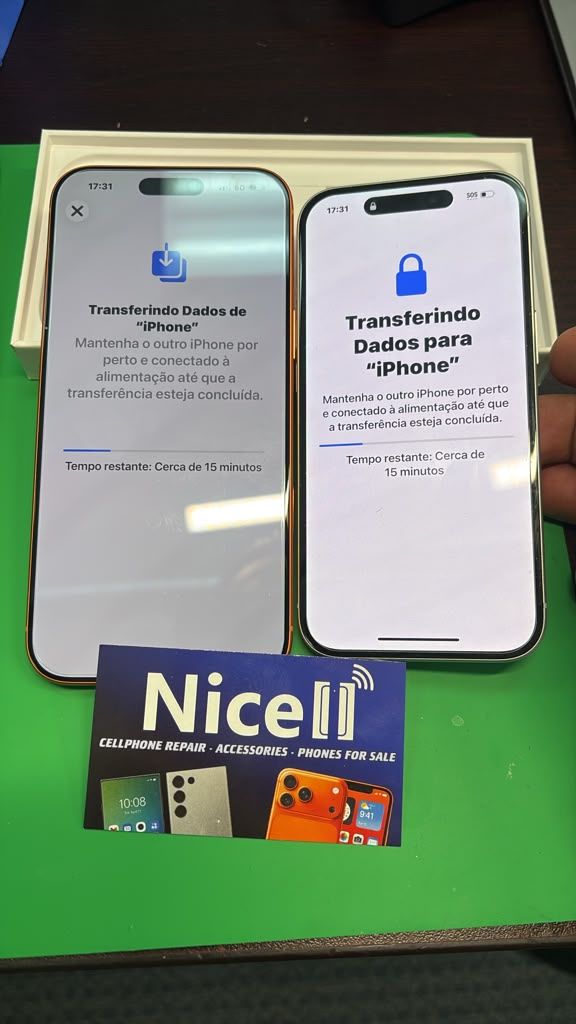
- Data transfer and phone setup
Many common repairs can be completed the same day depending on the device, repair type and parts availability.
We serve customers throughout West Valley City, Taylorsville, Kearns, Magna, Hunter, Granger and surrounding communities.
Frequently Asked Questions
Why won't my iPhone charge?
Common causes include a dirty charging port, defective cable or charger, software problem, damaged charging port, failing battery, or liquid damage.
How do I know if my iPhone charging port is damaged?
If your cable is loose, charging only works at certain angles, charging repeatedly disconnects, or the phone does not recognize known-good charging accessories, the port may need professional inspection.
Can a dirty iPhone charging port prevent charging?
Yes. Dust and compacted lint can interfere with the connection between the charging cable and the port.
Should I replace my iPhone battery if it won't charge?
Not necessarily. A charging problem can come from the battery, charging port, cable, charger, software, or another internal component. Diagnosis should come before replacing a part.
Can water damage cause an iPhone to stop charging?
Yes. Liquid exposure can cause corrosion and damage charging components. If your iPhone was exposed to liquid, avoid repeatedly connecting a charger and have it inspected.
Can I get same-day iPhone charging repair in West Valley City?
Many common repairs are completed the same day, depending on the iPhone model, repair required and parts availability. Contact Nicell Cell Phone Repair for current repair availability.
Your iPhone Won't Charge. What Should You Do?
Start with the basics: test another cable, try another charger, check the charging port, restart the iPhone, and consider whether the device has experienced liquid exposure.
If those steps don't solve the problem, don't keep forcing the charging cable into the phone or repeatedly trying different chargers.
A professional inspection can determine whether you need a simple cleaning, battery replacement, charging-port repair, or another type of repair.
If you're in West Valley City, Taylorsville, Kearns, Magna, Hunter, or Granger, Nicell Cell Phone Repair can inspect your iPhone and explain your repair options before you decide what to do.
Don't guess what's wrong with your iPhone. Find the cause first.