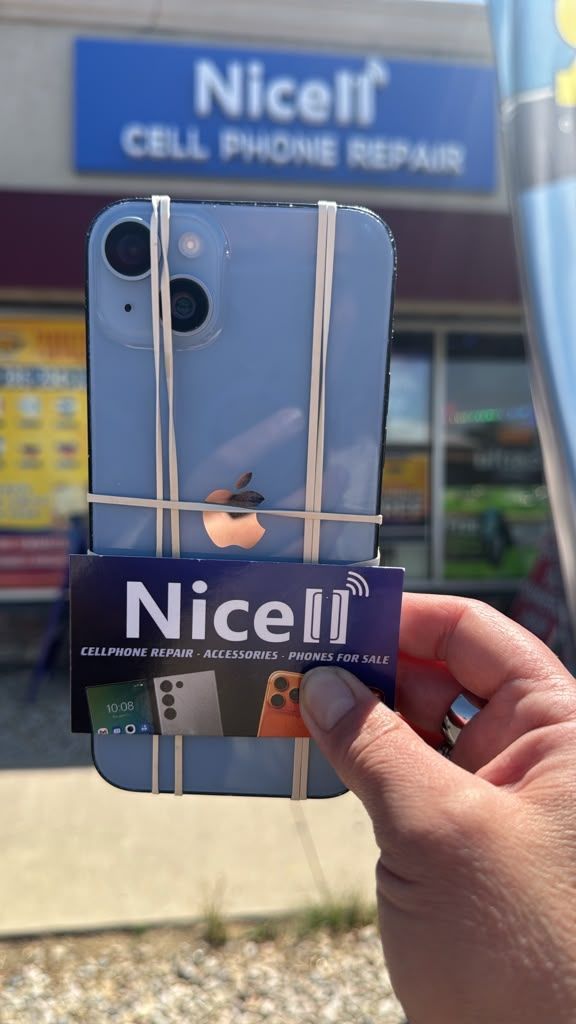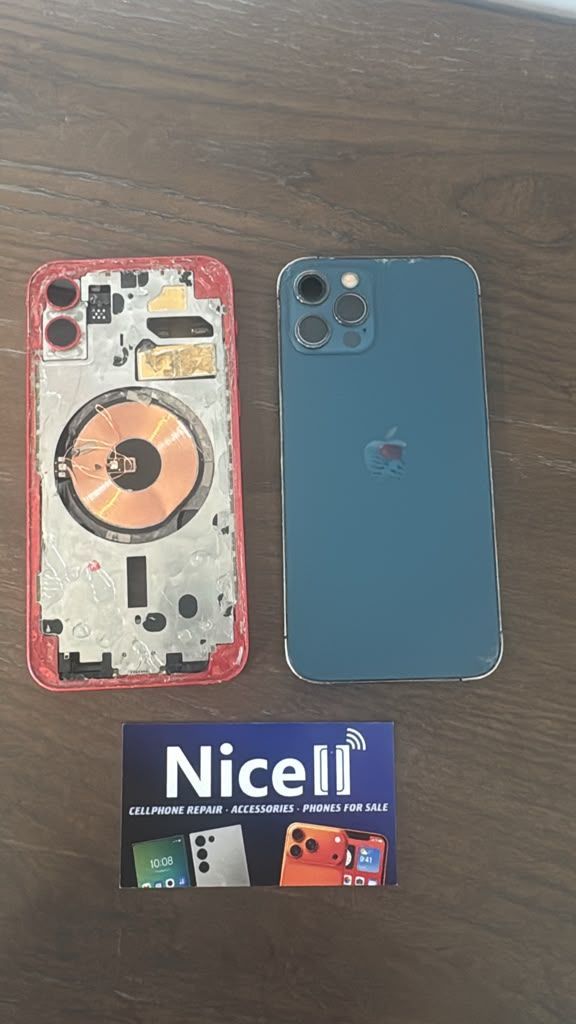
Trusted Cell Phone Repair
Trusted Cell Phone Repair in South Salt Lake, Utah
Nicell Cell Phone Repair South Salt Lake, UT | Same-Day iPhone, Samsung & Electronic Repair
If It’s Important to You, It’s Important to Us
Your phone is more than just a device. It holds your family photos, important conversations, business information, personal memories, and the connections that matter most. When your smartphone stops working, you need a trusted local repair shop that understands how important your device is.
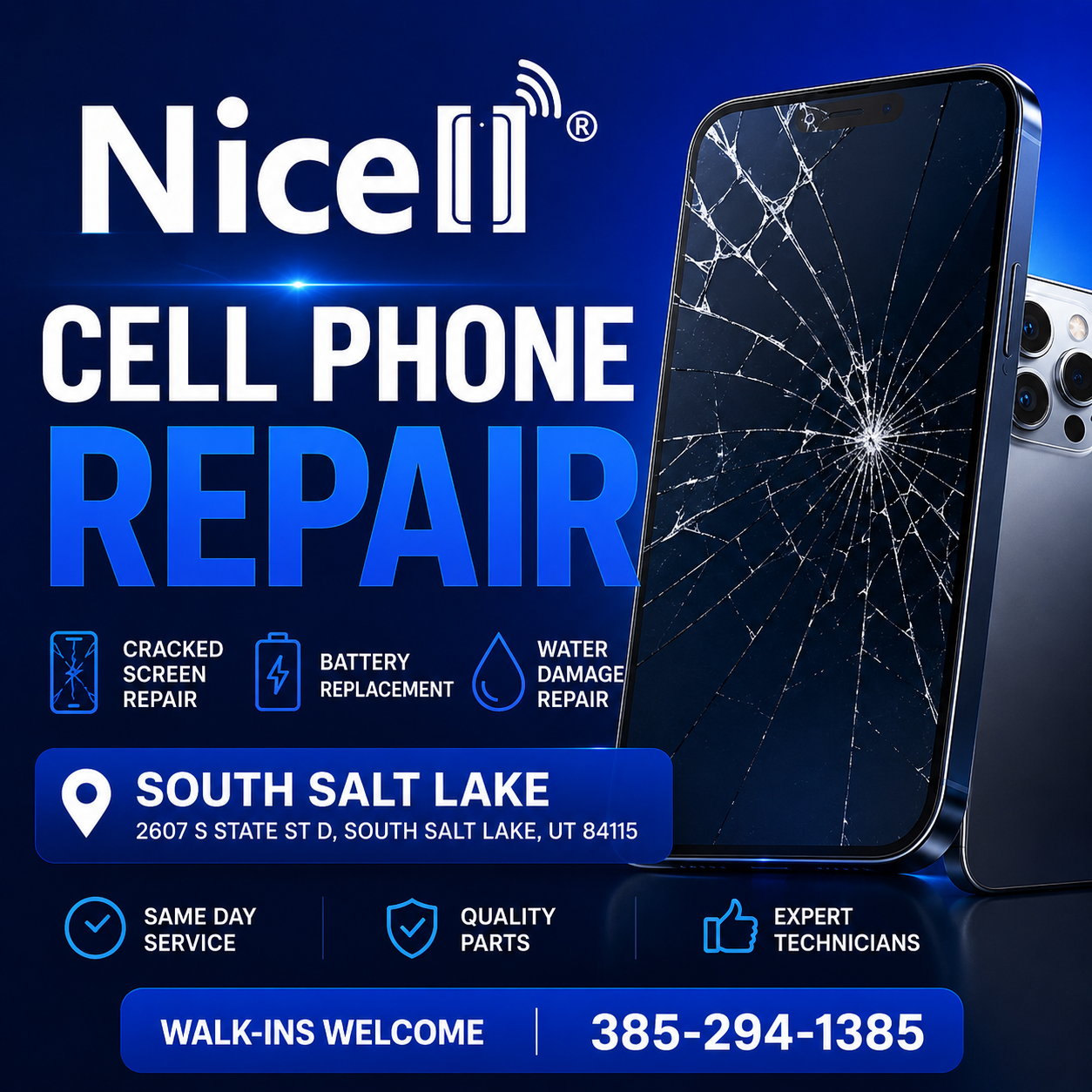
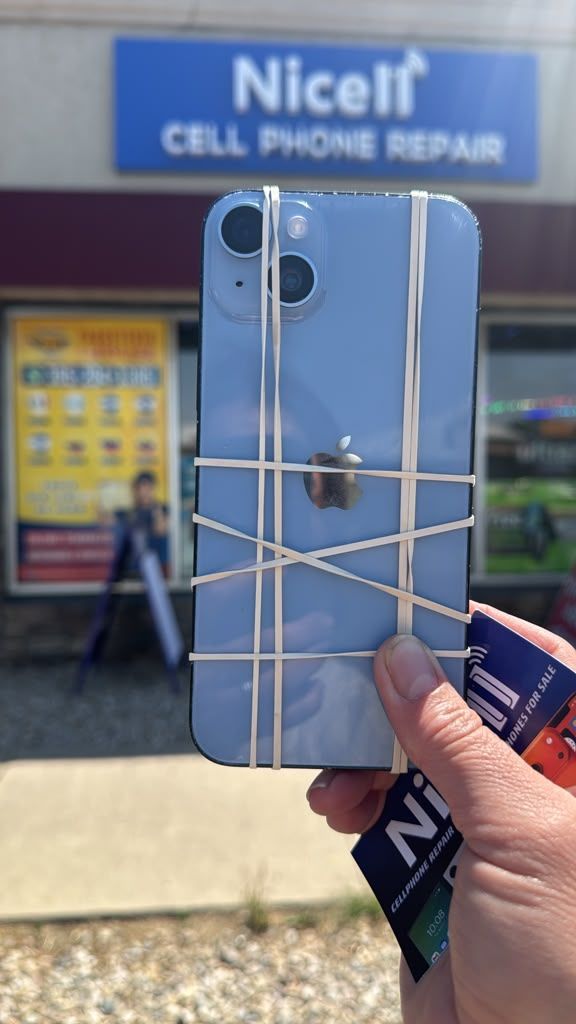
At Nicell Cell Phone Repair in South Salt Lake, Utah, we provide professional, fast, and reliable cell phone repair services for iPhone, Samsung Galaxy, Google Pixel, tablets, computers, and other electronic devices.
Our mission is simple: deliver high-quality repairs with honest recommendations, transparent service, and the attention your device deserves.
If it’s important to you, it’s important to us.
Professional Cell Phone Repair Services in South Salt Lake, Utah
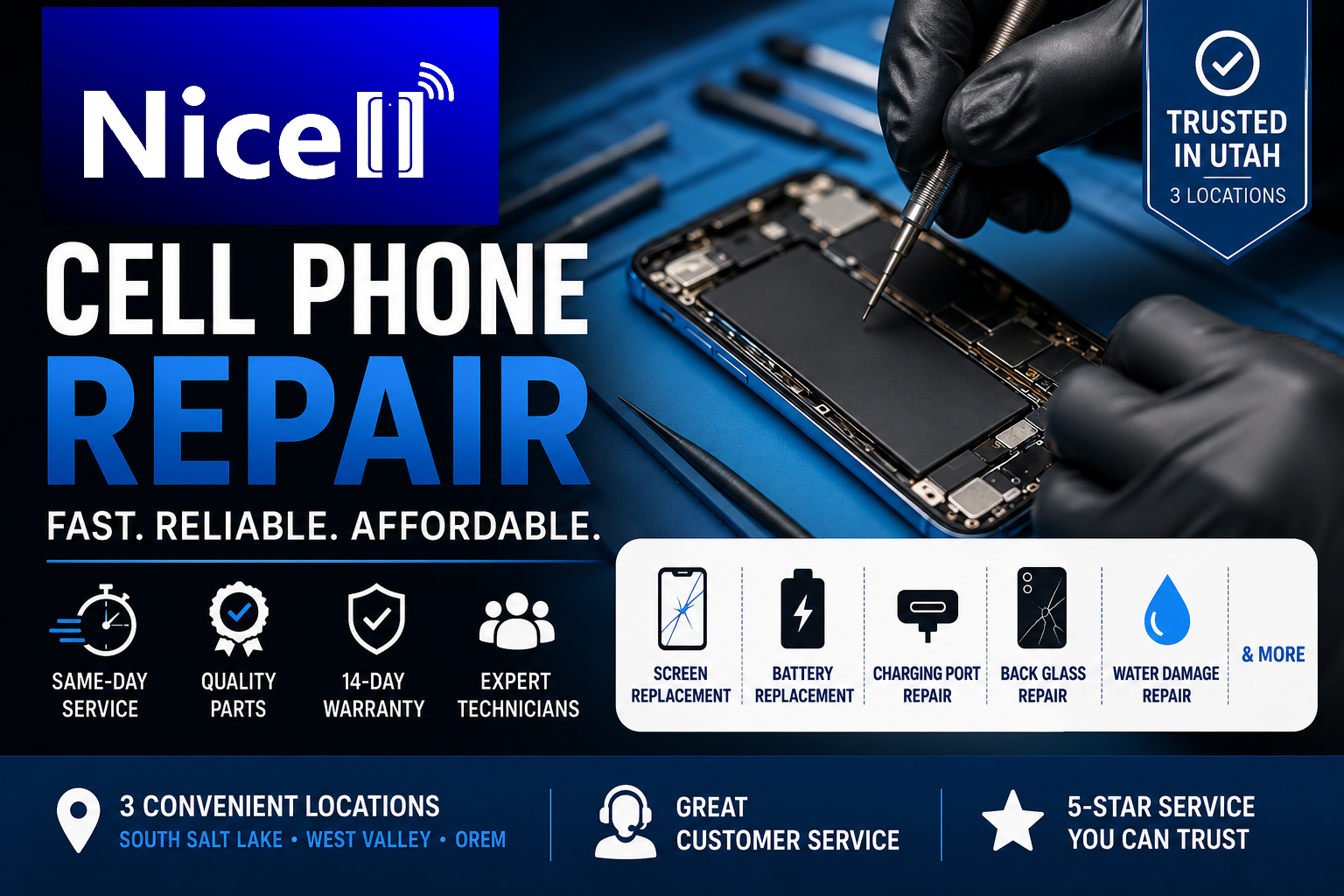
Nicell specializes in repairing a wide range of smartphone and electronic device problems, including:
iPhone screen replacement
Samsung Galaxy screen repair
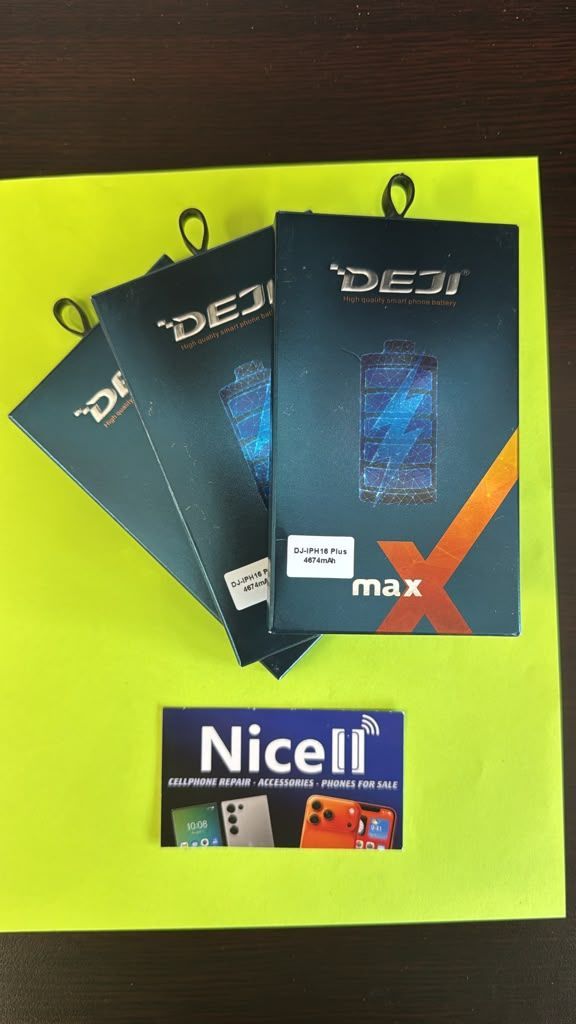
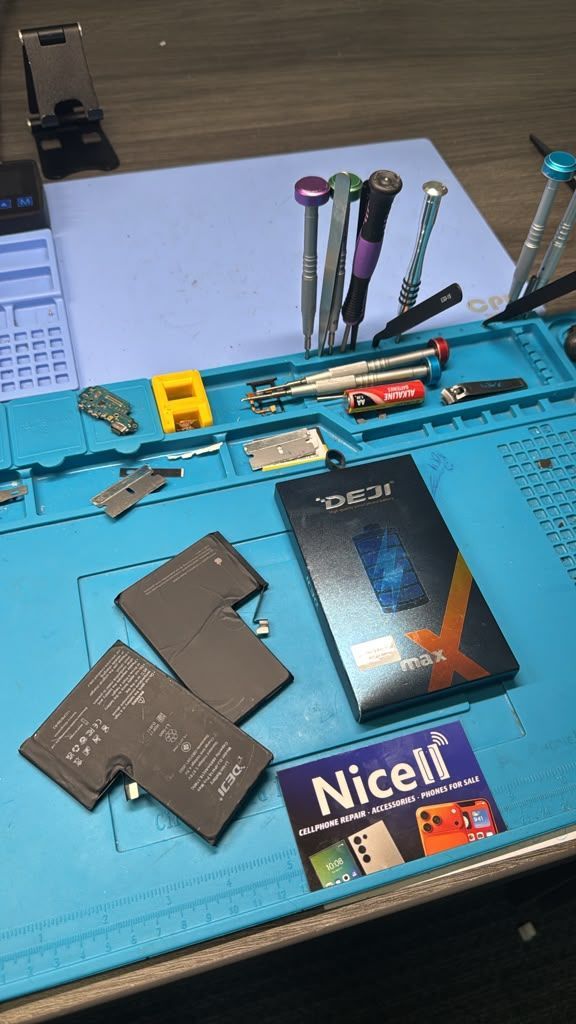
Battery replacement
Charging port repair
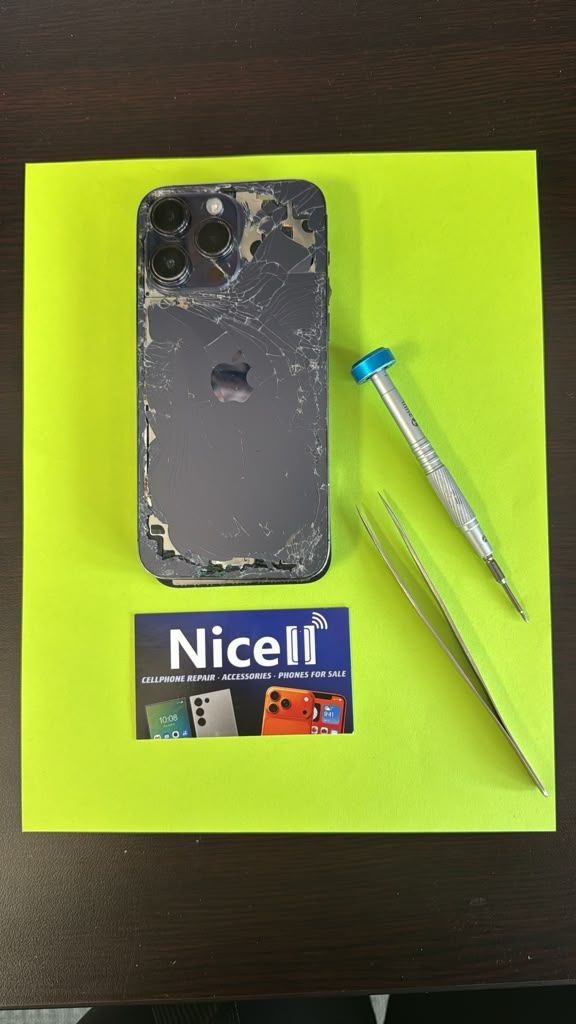
Back glass repair
Water damage repair
Camera repair
Speaker and microphone repair
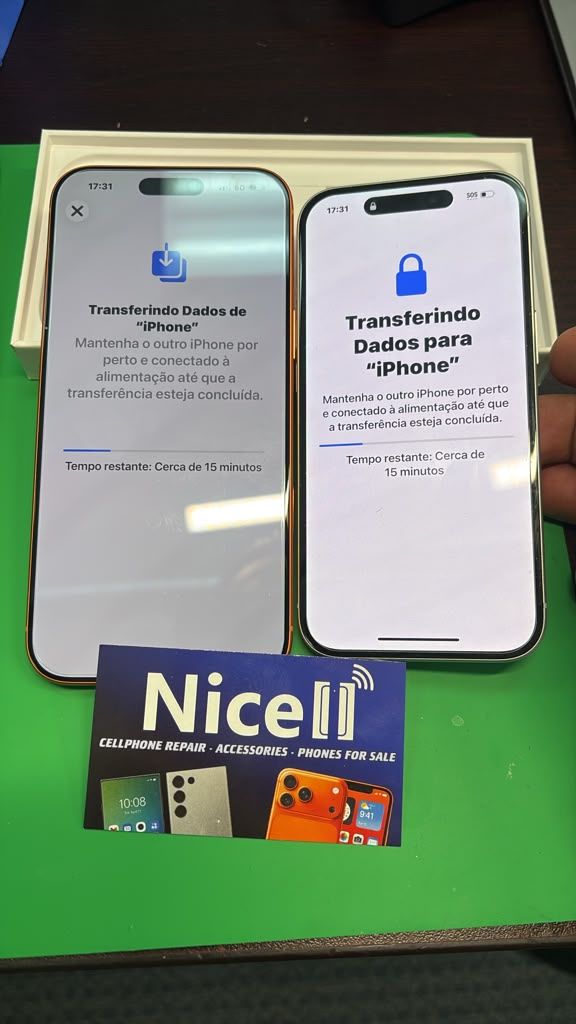
Data transfer
Software troubleshooting
Virus removal
Tablet and iPad repair
Computer repair
Game console repair
Whether your phone has a cracked screen, weak battery, charging issue, broken camera, or unexpected damage, our experienced technicians provide reliable repair solutions to help you get back connected.
Same-Day Phone Repair Near Salt Lake City
Searching online for “phone repair near me”, “cell phone repair near me,” or “iPhone repair near me”?
Nicell Cell Phone Repair in South Salt Lake provides convenient, professional, and affordable repairs for customers throughout the Salt Lake Valley.
We proudly serve:
South Salt Lake
Salt Lake City
Sugar House
Murray
Millcreek
Holladay
Taylorsville
West Valley City
Midvale
Nearby Utah communities
Our goal is to provide fast turnaround times, honest repair recommendations, and excellent customer service for every customer who walks through our doors.
Why Choose Nicell Cell Phone Repair in South Salt Lake?
Choosing the right phone repair shop matters. At Nicell, we focus on quality work, customer trust, and a better repair experience.
Customers choose Nicell because we provide:
✓ Experienced repair technicians
✓ Professional diagnostics
✓ Quality repair solutions
✓ Competitive pricing
✓ Same-day service on many repairs
✓ Friendly customer support
✓ Reliable repairs you can trust
We are proud to be a local Utah business helping individuals, families, students, and businesses keep their devices working.
Frequently Asked Questions About Phone Repair in South Salt Lake
How long does phone repair take at Nicell Cell Phone Repair?
Many common repairs can be completed the same day. Screen replacements, battery replacements, charging port repairs, and other common services depend on your device model and availability of parts.
Our technicians focus on completing repairs quickly while maintaining quality and attention to detail.
Does Nicell repair iPhone and Samsung phones in South Salt Lake?
Yes. We specialize in iPhone repair and Samsung repair in South Salt Lake, Utah.
Our services include:
iPhone screen repair
Samsung Galaxy screen replacement
Battery replacement
Charging port repair
Back glass repair
Camera repair
Other smartphone issues
How much does it cost to repair a cracked phone screen?
The price depends on your phone model and the type of damage. At Nicell, we provide an honest evaluation and explain your repair options before starting any service.
Can Nicell replace my phone battery?
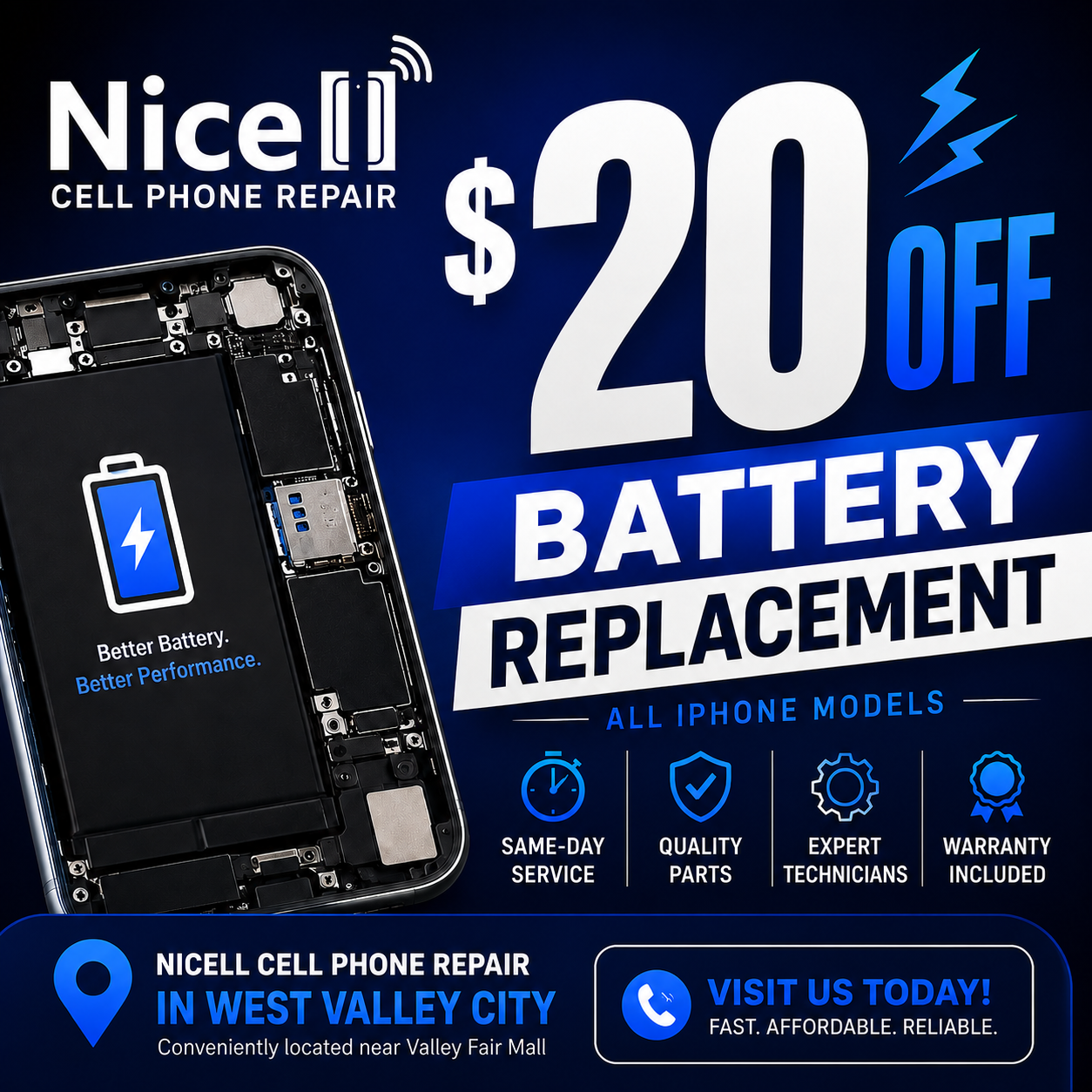
Yes. We provide professional iPhone battery replacement and Samsung battery replacement in South Salt Lake.
If your phone:
Loses battery quickly
Shuts down unexpectedly
Overheats
Charges slowly
A battery replacement may help restore your device performance.
Can you repair water-damaged phones?
Yes. Nicell provides water damage phone repair and diagnostics in South Salt Lake.
If your phone has been exposed to water, bring it in as soon as possible. Quick action can improve the chances of protecting your device and important data.
Do I need an appointment for phone repair?
No appointment is required. You can visit our South Salt Lake location, and our technicians will inspect your device and recommend the best repair solution.
Where is Nicell Cell Phone Repair located?
Nicell Cell Phone Repair is located in South Salt Lake, Utah, and proudly serves customers from:
South Salt Lake, Salt Lake City, Sugar House, Murray, Millcreek, Holladay, Taylorsville, West Valley City, and surrounding Salt Lake Valley communities.
Visit Nicell Cell Phone Repair in South Salt Lake Today
If you need same-day phone repair, iPhone repair, Samsung repair, screen replacement, battery replacement, charging port repair, or water damage repair in South Salt Lake, Utah, Nicell Cell Phone Repair is ready to help.
Visit our local repair shop and experience professional service from a team that treats your device with care.
Nicell Cell Phone Repair
If it’s important to you, it’s important to us.
More info on this link:
https://www.nicellwireless.com/salt-lake-city
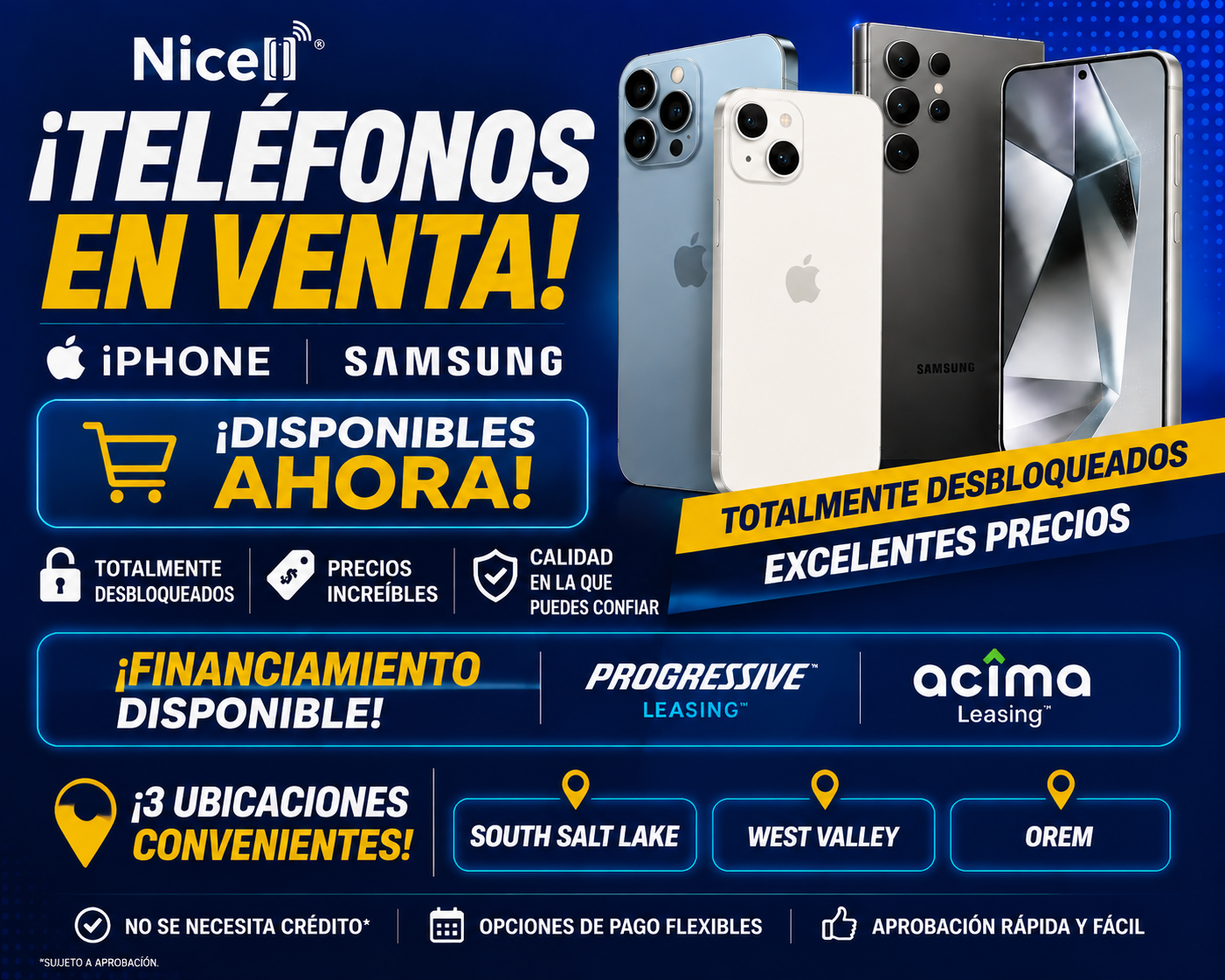
Welcome to the Nicell Wireless blog! Today, we’re diving into a topic that often raises eyebrows and sparks curiosity: unlocked phones. As a Salt Lake City cell phone repair company, we pride ourselves on offering top-notch repairs and reliable products. But what’s the deal with unlocked phones, and why should you consider making the switch? Let’s explore this together! What is an Unlocked Phone? First things first, let’s clarify what an unlocked phone is. Essentially, an unlocked phone is a device that isn’t tied to any specific carrier. Unlike traditional locked phones, which restrict you to a single network provider for years, unlocked phones give you the freedom to choose. Freedom of Choice One of the biggest advantages of purchasing an unlocked phone is the freedom it provides. You can select a carrier that best suits your needs without being bound by contracts or limitations. Whether you’re looking for the best deals on monthly plans or simply want to try out a new network, unlocked phones give you that flexibility. At Nicell Wireless, we believe that your phone should serve you, not the other way around. Cost-Effective Solutions Another major benefit of unlocked phones is the potential for cost savings. When you buy an unlocked device, you're often paying a lower upfront price, especially if you’re considering devices from previous generations. Plus, with the flexibility to switch carriers, you can hunt for the best plans that fit your budget. No more paying for overpriced contracts—just pure savings! Travel Made Easy Are you a frequent traveler? If so, unlocked phones are your best friend! With an unlocked phone in your pocket, you can easily switch out your SIM card to a local carrier at your destination, avoiding hefty roaming charges from your home provider. This means you can keep in touch with family, navigate unfamiliar cities, and enjoy the internet on-the-go without unnecessary expenses. Longevity and Upgrades We all know that technology evolves rapidly. With unlocked phones, you have the opportunity to upgrade your device without the constraints of a carrier contract. When you’re ready for a new phone, just purchase the device you want—I mean, how great is that? More freedom means more options! Plus, you can keep your unlocked phone for years without feeling pressured to switch just because your contract is up. Repair and Service At Nicell Wireless, we specialize not just in phone repairs but in ensuring your overall experience is seamless. By offering unlocked phones , we equip our customers with options that work for them. Whether it’s a quick screen fix for your device or guidance on selecting a new phone, our Salt Lake City team is here to provide total support. Conclusion So there you have it! Unlocked phones offer freedom, flexibility, and cost savings—making them a great option for anyone tired of being tied down by traditional contracts. At Nicell Wireless , we’re committed to supporting you through every step, from choosing an unlocked phone to ensuring all your repair needs are met. Come visit us in Salt Lake City, and let’s find the perfect phone solution for you together! Your phone should adapt to you, and we’re here to make that happen!

As students, having a dependable internet connection is vital for staying connected, researching, attending online classes, and streaming educational content. At Nicell Wireless, we understand that students need affordable, fast, and reliable internet solutions to support their academic success. Whether you're living in a cozy dorm or a shared apartment, here’s a breakdown of some of the best home internet options tailored for students. 1. Cable Internet Cable internet is an excellent option for students who desire high-speed internet without breaking the bank. With download speeds ranging from 25 Mbps to over 1 Gbps, cable internet can support multiple devices streaming simultaneously. Major providers often offer student discounts, making this a budget-friendly choice. Plus, installation is generally straightforward, and many companies provide equipment without additional costs. 2. Fiber Optic Internet If you're looking for lightning-fast internet, fiber optic service may be the way to go. With speeds reaching up to 1 Gbps or more, fiber is perfect for heavy users involved in online gaming, streaming, or large file downloads. While availability can be limited (especially in certain areas), it's becoming more prevalent in urban areas, including Salt Lake City. Some providers offer student deals or no contracts, allowing for maximum flexibility. 3. DSL Internet Digital Subscriber Line (DSL) internet is typically more affordable than cable or fiber options. While it doesn't offer quite the same speeds as its counterparts—averaging between 5 Mbps and 100 Mbps—it’s a reliable option for students who do light browsing, email, and video calls. DSL technology can also be more widely available in rural areas, ensuring that students studying in less populated regions can still stay connected. 4. Mobile Hotspots For students on the go, a mobile hotspot can provide an excellent alternative to traditional internet services. This option allows you to tap into cellular data for your internet needs, which is particularly useful if you often switch locations or spend time studying away from home. Many providers, including Nicell Wireless, offer affordable mobile plans tailored for students that can be tied into a mobile hotspot device, ensuring you stay connected wherever your studies take you. 5. Satellite Internet For students living in remote areas where traditional broadband isn’t available, satellite internet can be a viable solution. While it tends to have slower speeds and higher latency compared to other options, satellite internet has improved significantly in recent years. Providers like HughesNet and Viasat offer service plans aimed at rural customers, making it easier for students to access internet services when other options aren’t available. Conclusion Finding the right internet solution as a student can feel overwhelming, but it doesn’t have to be. At Nicell Wireless , we offer various home internet plans designed to meet your needs without exceeding your budget. Fast, affordable, and reliable internet is crucial for academic success, and we’re here to support your journey. Whether you prefer cable, fiber, DSL, or mobile hotspots, there’s a perfect internet solution waiting for you. Don’t wait until midterms to secure your connection—check out our offerings today and experience seamless online learning!

Welcome to the world of gaming, where families can bond over exciting challenges, thrilling adventures, and friendly competitions! At Nicell Wireless, we understand the importance of quality time spent together, and gaming can be a fantastic way to achieve that. If you’re looking for the perfect gaming system that caters to all ages, we've rounded up the top seven gaming consoles that promise hours of fun and entertainment for everyone in your family. 1. Nintendo Switch The Nintendo Switch is a versatile gaming system that can be enjoyed both at home and on the go. With its unique hybrid design, you can easily switch between handheld and docked modes. Featuring family-friendly titles like "Mario Kart 8 Deluxe" and "Animal Crossing: New Horizons," this console offers an engaging multiplayer experience that accommodates players of all ages. 2. PlayStation 5 For families with older kids and teens, the PlayStation 5 (PS5) brings stunning graphics and exhilarating gameplay. With a library filled with action-packed adventures, role-playing games, and sports titles, there’s something for everyone. Plus, exclusive games like "Ratchet & Clank: Rift Apart" make it a worthwhile investment for family fun. 3. Xbox Series X The Xbox Series X is known for its impressive performance and extensive game library. With titles that appeal to younger audiences, like "Minecraft," and more mature options for older kids, this console ensures everyone finds something they enjoy. The Game Pass subscription service provides access to hundreds of games, making it easy for families to explore new experiences together. 4. Nintendo Switch Lite If you’re looking for something more budget-friendly, the Nintendo Switch Lite is a fantastic alternative. It’s designed exclusively for handheld play, perfect for families on the move. Kids will love the colorful design options and access to all the same great Nintendo titles. It’s compact, easy to carry, and great for road trips or family vacations. 5. Oculus Quest 2 Introduce your family to the exhilarating world of virtual reality with the Oculus Quest 2. It's an immersive experience that takes gaming to a whole new level. With a variety of family-friendly games and activities, including fun fitness apps, it's a perfect choice for active family bonding. Just make sure your play area is clear of obstacles for a smooth VR experience! 6. Sega Genesis Mini For a classic gaming experience, the Sega Genesis Mini is a delightful throwback that comes preloaded with beloved titles like "Sonic the Hedgehog" and "Streets of Rage." This nostalgic device is perfect for family game nights, allowing parents to share their childhood favorites with their kids. It's a great option for those who enjoy retro gaming! 7. Apple Arcade If you already have an iPhone , iPad, or Apple TV, consider subscribing to Apple Arcade. This subscription service offers a vast selection of family-friendly games without any ads or in-app purchases. With options for cooperative play, it's a fantastic way to bring the family together and spend quality time without investing in a separate console. Conclusion Choosing the right gaming system for your family doesn't have to be complicated. Each of these consoles offers unique features and a diverse array of games that cater to all interests and age groups. At Nicell Wireless , we want to help you make the best decision for your family’s entertainment needs. Whether you’re embarking on epic gaming adventures or enjoying a cozy night in, these gaming systems will keep everyone engaged and entertained. Happy gaming!

Hey there, tech-savvy friends! If you’ve ever faced the dread of a malfunctioning laptop, you know that understanding repair costs can feel like navigating a minefield. Here at Nicell Wireless, your trusted Salt Lake City cell phone and tech repair specialists, we want to make this journey a little easier for you. So, grab a snack, sit back, and let’s break down what you can expect when it comes to laptop repair costs. Factors Influencing Repair Costs 1. Type of Damage First things first: the type of damage done to your laptop plays a significant role in pricing. Is it a cracked screen? That can be costly, as screens can range from $100 to $300, depending on the make and model. On the other hand, if your laptop just needs a new battery or a software update, you might be looking at a much smaller bill—perhaps around $50 to $150. 2. Brand and Model Not all laptops are created equal! High-end gaming laptops or Apple's flagship MacBooks typically come with higher repair costs compared to more budget-friendly brands. The availability of parts is another key factor; common models usually have readily available components, while rare or older models might require more expensive or difficult-to-find parts. 3. Type of Repair Different types of repairs can lead to varying costs as well. Basic fixes like software troubleshooting or virus removal might only incur a service charge and take an hour or two of labor. Conversely, more involved jobs, such as a motherboard replacement or liquid spill repairs, can take days and might cost a couple hundred dollars or more. 4. Labor Costs Every tech repair shop has its own labor rates. At Nicell Wireless, we pride ourselves on providing competitive pricing along with exceptional service. Usually, you can expect labor charges to range between $40 to $100 per hour, but this can depend on your location and the expertise of the technicians. Tips for Managing Your Laptop Repair Costs 1. Get a Diagnostic If you’re unsure about the condition of your laptop, start with a diagnostic. Many repair shops, including Nicell Wireless, offer free or low-cost diagnostics. This can save you money in the long run by identifying the root of the problem before it worsens. 2. Ask About Warranty Before diving into repairs, check if your laptop is still under warranty—either through the manufacturer or the repairs shop. Some issues may be covered, saving you a substantial amount of money. 3. Weigh Your Options In some cases, repair might not be the most cost-effective solution, especially for older laptops. Assess repair costs versus the price of a new device. At Nicell Wireless, we also offer a range of unlocked phones and laptops at competitive prices if you decide it might be time for an upgrade. Final Thoughts Navigating laptop repair costs can be daunting, but armed with the right knowledge, you can make informed decisions. At Nicell Wireless , we are here to help you understand your options without breaking the bank. Whether it's a simple fix or a more complicated repair, our team in Salt Lake City is dedicated to providing a transparent and fair pricing structure. So, if your laptop is in need of some TLC, don’t hesitate to reach out! Let’s get you back on track in no time.

If you've ever found yourself wondering whether you can use your trusty iPhone without a SIM card, you’re not alone. Perhaps you have an old iPhone lying around, or maybe you’ve recently switched carriers and haven’t activated your new SIM yet. Whatever the reason, at Nicell Wireless, we're here to clarify whether you can tap into all the features of your iPhone sans a SIM card. The Basics: What Happens Without a SIM Card? First off, let’s break down the role of a SIM card. A SIM (Subscriber Identity Module) card is crucial for connecting your phone to a cellular network. It allows you to make calls, send texts, and access mobile data. But does that mean your iPhone is rendered useless without one? Not quite! Using Wi-Fi: Your Lifeline One of the most exciting aspects of modern smartphones is their capability to leverage Wi-Fi. Yes, you can use your iPhone without a SIM card, as long as you have a Wi-Fi connection. This means you can continue to browse the internet, stream videos, and even check your emails. All those social media apps? Fully functional, as long as you're on a Wi-Fi network. Communication Made Easy Worried about staying in touch without traditional texting or calling? Don’t be! Apps like WhatsApp, iMessage, Facebook Messenger, and Skype allow you to communicate over Wi-Fi. You can send messages, make video calls, and keep in touch with friends and family across the globe—all without needing a SIM card. Just ensure you’re connected to Wi-Fi, and you’re good to go! App Store Access Without a SIM, the App Store is still accessible. You can download and use apps that don’t require cellular data. Whether it’s gaming, productivity, or fitness apps, there’s a world of possibilities waiting at your fingertips—even without a SIM! Limitations To Consider While all this sounds wonderful, be aware of a few limitations that come with using an iPhone without a SIM card. As mentioned, you won't be able to make traditional phone calls or access 4G/5G mobile data. You’re also limited to the range of your Wi-Fi connection—so don’t wander too far! Additionally, some features and apps may require a phone number for verification or functionality, which can be a bit of a hassle. For instance, two-factor authentication texts would be impossible to receive. Final Thoughts In a world where connectivity is king, using an iPhone without a SIM card opens up many doors—but it also has its limitations. If you're using your device primarily for internet browsing, social media, and Wi-Fi-based communication, then you're well-equipped to make it work. At Nicell Wireless , we specialize in keeping your devices running smoothly, whether you’re using an iPhone with a SIM card or going SIM-free. If you're facing any issues or want to explore unlocked phones , don’t hesitate to reach out to us. Our experienced team in Salt Lake City is here to help with all your cell phone repair needs! So grab that old iPhone and put it to good use—Wi-Fi or not!

In our tech-driven world, our cell phones have become extensions of ourselves. They’re like our digital sidekicks, holding everything from important emails to cherished memories captured in photos. So when something goes wrong—whether it’s a cracked screen, a malfunctioning battery, or any number of issues—it can feel like a mini-crisis. The big question is: should you try to fix it yourself (DIY) or call in the pros like Nicell Wireless? Let’s dive into the pros and cons of both sides, so you can make the right choice for your needs. Going the DIY Route With a plethora of online tutorials and videos, repairing your cell phone might seem like an enticing option. After all, it’s kind of satisfying to say, “I fixed it myself!” But before you grab that toolkit, here are some things to consider: 1. Cost-Effective DIY repairs can save you money upfront. A replacement battery or screen might cost significantly less than a service fee. 2. Control Over the Process You can work at your own pace and feel satisfied by completing a hands-on project. For the tech-savvy individual, this can be both a rewarding and educational experience. 3. Risk of Further Damage Here’s the catch: jumping into a repair without proper knowledge can lead to compounded issues. A small misstep could turn a simple fix into a much larger problem, which might end up costing more in the end. 4. Warranty Concerns Many manufacturers void warranties if unauthorized repairs are attempted. If you're not careful, you might lose out on future support. Calling a Professional On the other hand, opting for a professional service like Nicell Wireless might save you headaches in the long run. Here’s what makes our services stand out: 1. Expertise and Experience Professionals have the training and experience needed to identify and fix problems efficiently. At Nicell Wireless, our technicians specialize in repairing iPhones , Samsung phones, laptops , computers , and even gaming systems. You’re not just another job; we treat your devices as our own. 2. Quality Assurance We use quality parts and stand behind our work. This means you can trust that your phone will be repaired to a high standard, and you’ll likely be offered a warranty on the repairs. 3. Time-Saving Let’s face it—life is busy! Professional repair services can often fix issues in a fraction of the time it would take you to figure it out. Whether it’s a same-day repair or a quick turnaround for more complicated issues, you’ll appreciate not waiting weeks for your device. 4. Peace of Mind Knowing that a skilled technician is handling your device can alleviate stress. There’s something comforting about leaving repairs to the experts, especially when the stakes are high. The Bottom Line Choosing between DIY repairs and professional services isn’t always black and white. If you have the skills and a minor issue, a DIY approach might work. However, for more complicated repairs—or if you're not 100% confident—going professional can save time, money, and a lot of frustration. At Nicell Wireless , we’re here to help with any issues your devices may face, big or small. From screen replacements to battery issues, our Salt Lake City team is equipped to get you back on track. Don't hesitate to reach out and let us handle the challenge! Your cell phone deserves the best care—after all, it’s your lifeline to the world.

Welcome to the Nicell Wireless blog! If you own a Samsung Galaxy device, you’re part of a vast community that loves the combination of powerful features and sleek design these smartphones offer. However, like any tech, they can run into problems from time to time. No need to worry—today, we’re sharing some quick fixes for common issues that can pop up with your Samsung Galaxy phone. 1. Battery Draining Quickly If you find that your battery drains faster than expected, it might not be just wear and tear. Check for any apps running in the background that might be consuming more power. Go to Settings > Battery and device care > Battery > Background usage limits. You can limit the apps that run in the background and extend your battery life significantly. Also, enabling power-saving mode can help if you’re in a bind. 2. Phone Overheating Sometimes your phone might feel like it’s running a marathon—too hot to touch! If your Galaxy phone is overheating, it’s usually a sign that you’re multitasking too much. Close any unnecessary apps and avoid using power-hungry applications. If the issue persists, consider restarting your phone. In extreme cases, a factory reset may be needed, but be sure to back up your data first. 3. Apps Crashing or Freezing We all rely heavily on our apps, and it can be frustrating when they crash or freeze. First, make sure your apps are updated by heading to the Google Play Store. If that doesn’t work, try clearing the app cache. Navigate to Settings > Apps > [app name] > Storage > Clear cache. This should give the app a fresh start without deleting your data. 4. Wi-Fi Connection Issues A shaky Wi-Fi connection can leave you feeling disconnected. If you’re facing troubles, the first step is to forget the network and reconnect. Go to Settings > Connections > Wi-Fi, tap on the network and select “Forget.” Then reconnect by entering your password again. If that doesn’t help, consider restarting your router! 5. Screen Issues (Touch Sensitivity) If your screen isn’t responding to your taps, there are a couple of things to check. First, make sure the screen is clean and free of any debris. Sometimes, a dirty screen can lead to touch sensitivity issues. If it’s still not working, check if you have any screen protectors that might be interfering and consider adjusting the touch sensitivity settings within Settings > Display > Touch sensitivity. 6. Updating Your Software Keeping your device software up to date is crucial for its performance. Regular updates provide essential fixes and improvements. To check for updates, go to Settings > Software update > Download and install. Downloading the latest software ensures your phone runs smoothly and has the latest security features. Conclusion While it’s easy to feel frustrated when your Samsung Galaxy is giving you trouble, many common issues have quick and simple fixes. At Nicell Wireless , we’re not just here to fix phones but to empower you to enjoy seamless communication with your device. If you ever find yourself stuck with a problem you can’t solve, don’t hesitate to visit us in Salt Lake City. We specialize in repairing Samsung phones, iPhones , laptops , and more. Happy troubleshooting!