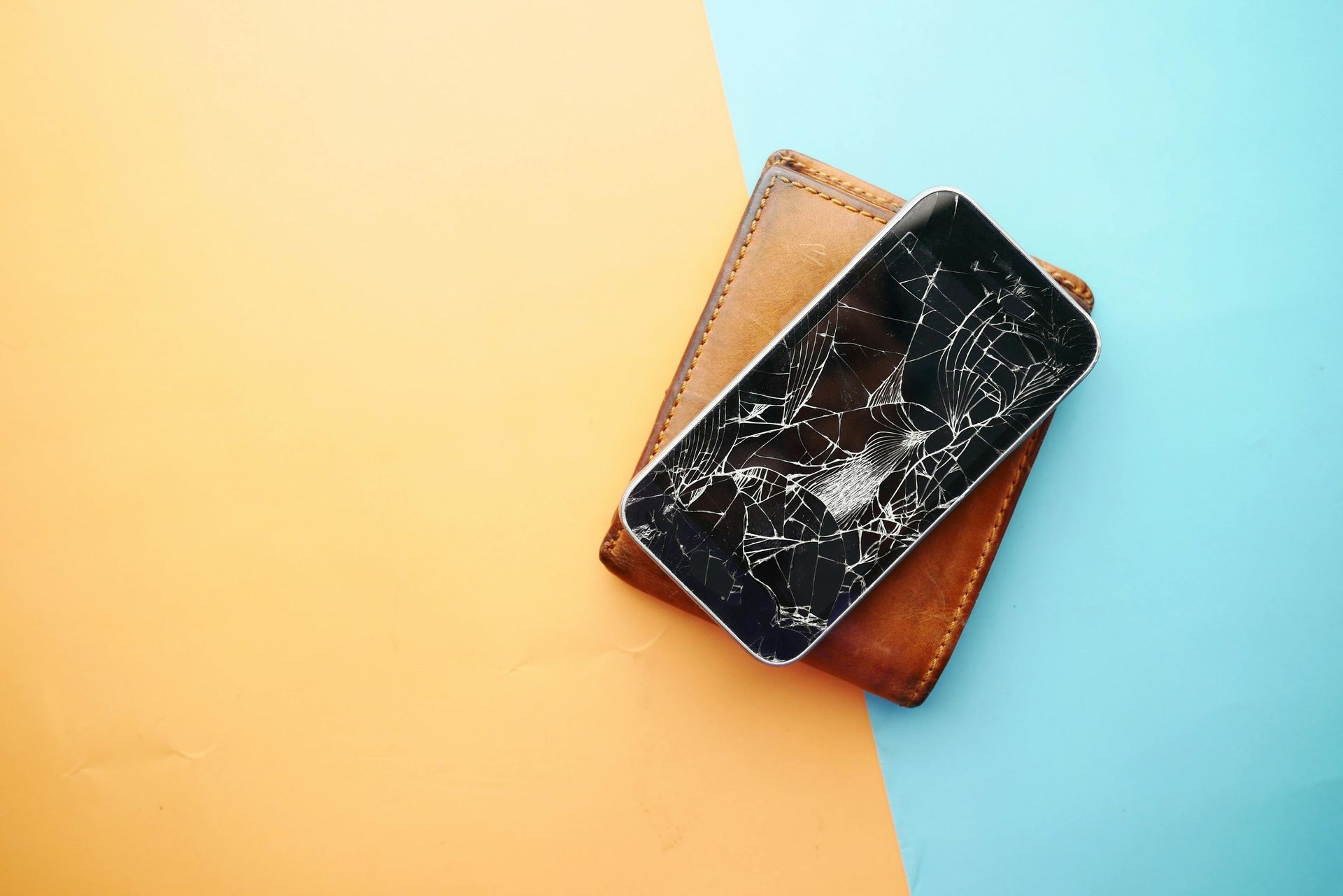
Simple Tablet Care Guide: Battery, Screen, Viruses
Keep your tablet fast, safe, and long-lasting with these simple tips
How to Take Care of Your Tablet Battery, Screen, and Protection from Viruses
Tablets have become essential for work, school, entertainment, and daily use. Whether you use an iPad or Android tablet, proper care can significantly extend its lifespan and help you avoid costly repairs.
In this guide, you’ll learn how to protect your tablet battery, screen, and software security, and what to do when problems appear.
How to Take Care of Your Tablet Battery
The battery is one of the most important parts of your tablet. Good habits can extend its lifespan and keep performance strong.
Best practices:
- Keep battery between 20% and 80% when possible
- Avoid leaving it at 0% or 100% for long periods
- Use only certified or original chargers
- Avoid overheating (hot cars or direct sunlight)
- Close unused background apps
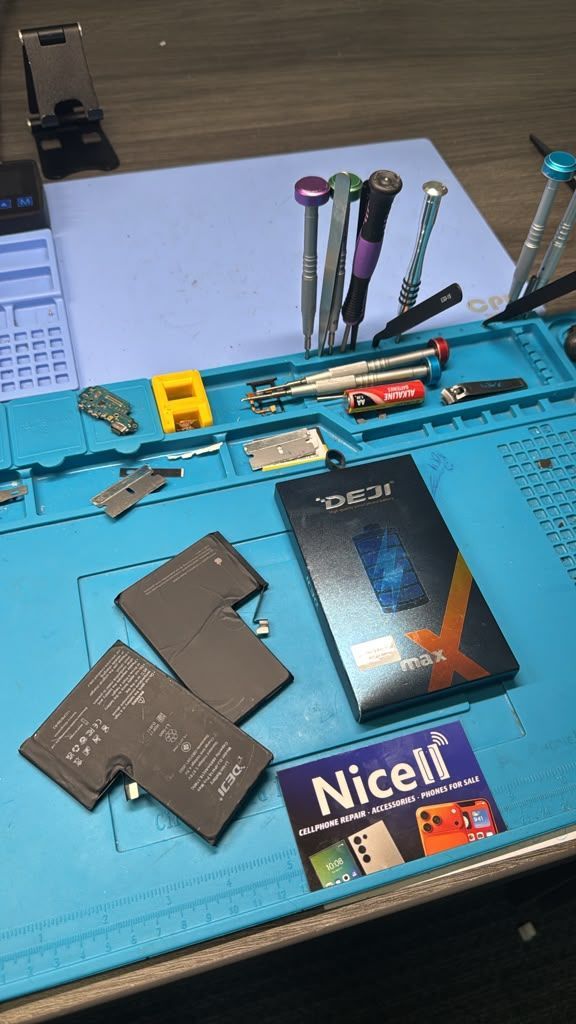
If your tablet battery drains too fast or shuts off randomly, it may need professional replacement.
How to Protect Your Tablet Screen
Tablet screens are large and vulnerable to cracks and damage.
Protection tips:
- Use a tempered glass screen protector
- Always use a strong protective case
- Avoid placing heavy objects on the tablet
- Keep away from keys, coins, and sharp objects
- Clean only with microfiber cloth
Even small drops can cause expensive damage, so prevention is key.
How to Protect Your Tablet from Viruses and Malware
Tablets can get viruses from unsafe apps, links, or downloads.
Stay protected:
- Download apps only from official stores (Apple App Store / Google Play)
- Avoid clicking unknown links
- Keep your system updated
- Do not install unknown APK files or cracked apps
- Use trusted security tools if needed
If your tablet becomes slow, shows pop-ups, or behaves strangely, it may be infected and needs professional cleaning.
When You Need Professional Help
Even with good care, tablets can still develop issues such as:
- Broken screens
- Weak batteries
- Charging problems
- Virus or software issues
- Water damage
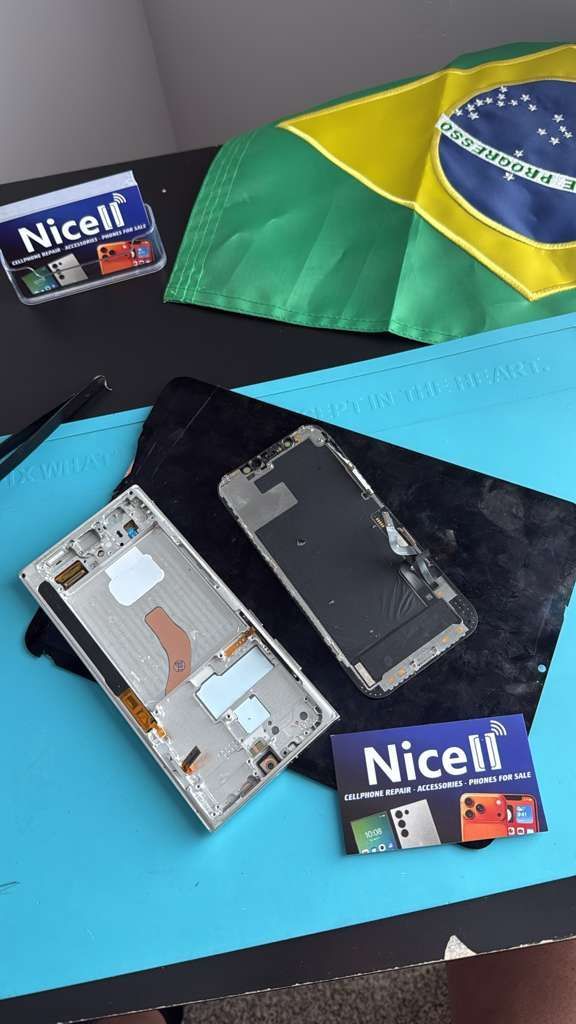
That’s where Nicell Wireless LLC can help.
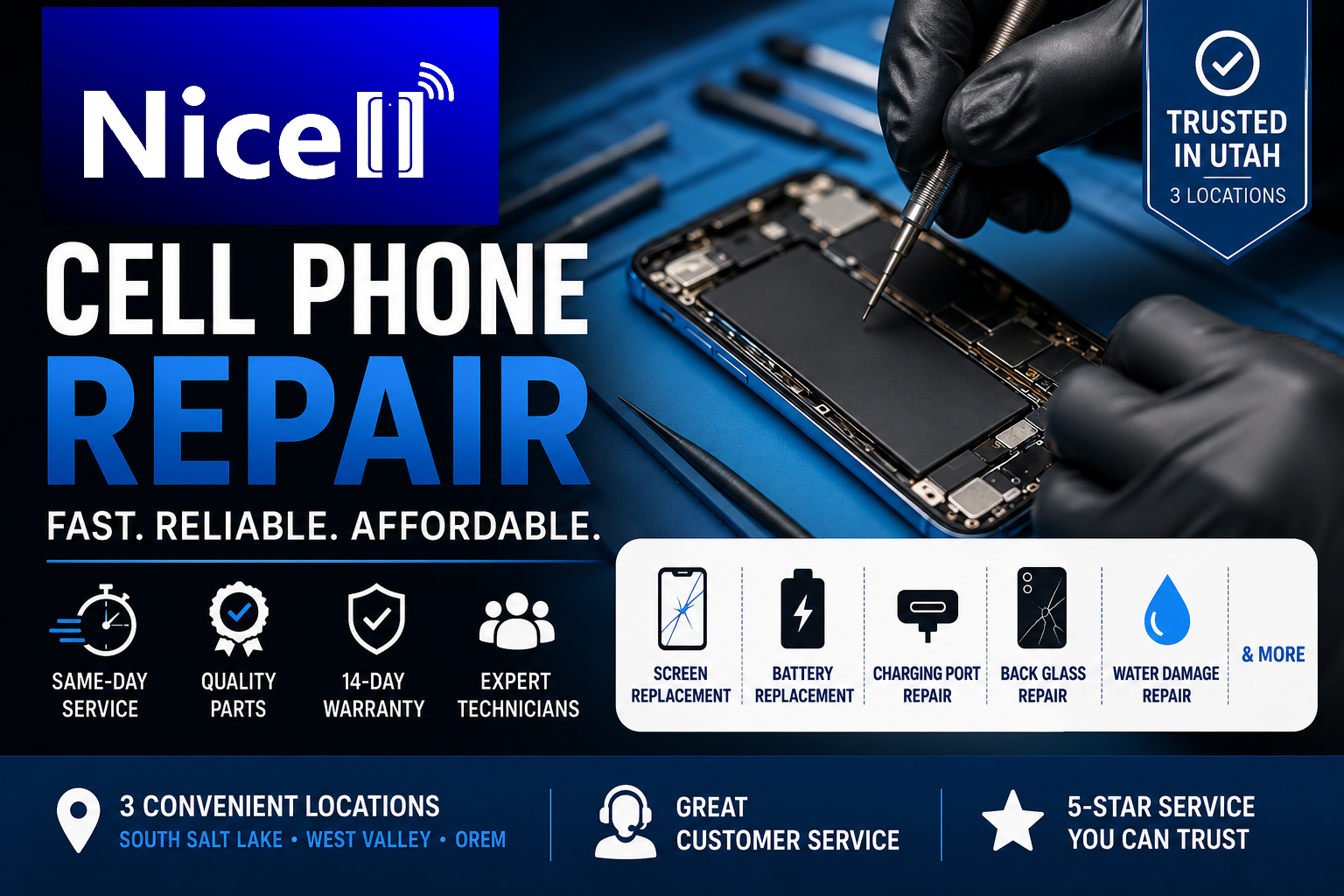
We provide fast and affordable repair services including:
- Tablet screen replacement
- Battery replacement
- Virus and software cleaning
- Full diagnostics and repair
- Same-day service on most devices
Learn more about our Orem location:
https://www.nicellwireless.com/orem
Visit Nicell Wireless
Bring your tablet to one of our locations for fast diagnosis and repair. Our technicians can identify the issue and offer the best solution the same day in most cases.
Final Tip
Small habits every day can extend your tablet’s life. But when problems happen, quick professional repair helps prevent bigger and more expensive damage later.