Protect Your Data: How to Back Up Your Devices Regularly
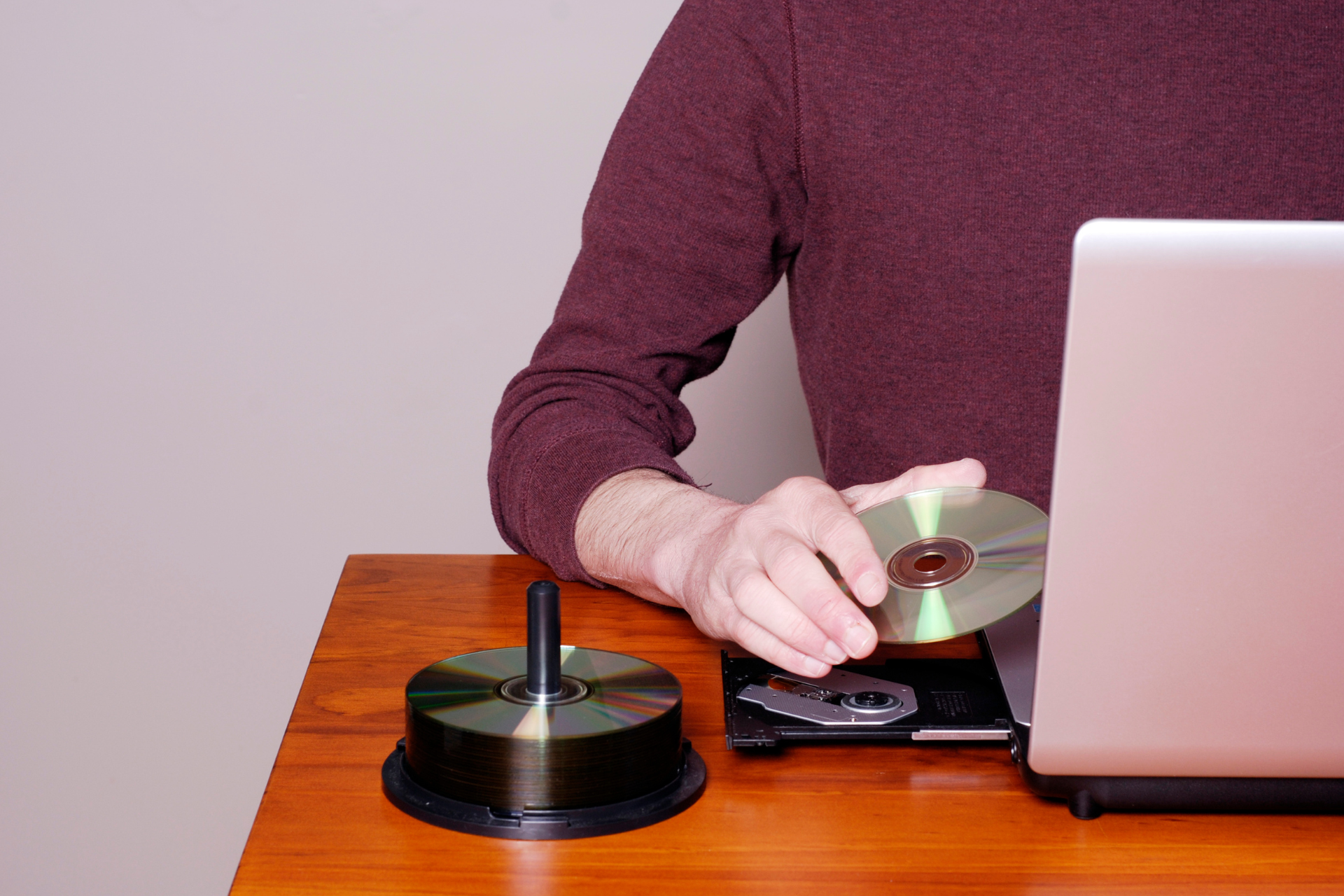
Data Back Up

In today’s digital age, our devices hold a treasure trove of memories and important information. From family photos and important documents to work files and game progress, losing this data can be devastating. That’s why at Nicell Wireless, we always stress the importance of regular backups. Let’s dive into why backing up your devices is essential and how you can do it easily.


Why Backing Up Matters


Understanding the “why” behind backups can motivate you to start making it a regular routine. Data loss can happen for a variety of reasons: accidental deletions, software issues, device theft, or even those notorious moments when a phone simply stops working. You might think, “It won’t happen to me,” but trust us—it’s better to be safe than sorry. Regular backups ensure that your data is secure and retrievable whenever you need it.


How to Back Up Your Devices


1. For iPhones: Use iCloud


If you’re an iPhone user, iCloud is one of the easiest and most efficient ways to back up your data. Simply go to Settings > [your name] > iCloud > iCloud Backup and turn it on. Make sure you have enough iCloud storage, as free accounts only provide 5GB. You can purchase more if needed. It’s a good idea to connect to Wi-Fi and plug in your phone while the backup process runs to avoid interruptions.


2. For Samsung Phones: Samsung Cloud or Google Drive


Samsung users have multiple options for backing up their devices. Samsung Cloud allows you to back up photos, contacts, and settings effortlessly. Head to Settings > Accounts and Backup to set it up. Alternatively, Google Drive is another option where you can back up your files and photos directly. Just open the Google Drive app and follow the prompts to start backing up your content.


3. Backing Up Laptops and Computers: Use External Drives and Cloud Services


For laptops and computers, the backup process can be slightly more extensive. Using an external hard drive is one of the most secure methods. Connect the drive, and on a Windows PC, you can use the built-in File History feature or Backup and Restore. If you’re on a Mac, simply use Time Machine. Alternatively, consider cloud services like Google Drive or Dropbox for easy access from any device.


4. Gaming Systems: Don’t Lose Your Progress


Gamers, listen up! There’s nothing worse than losing game progress. Most consoles like PlayStation and Xbox offer cloud saves if you subscribe to their services. Make sure you regularly check that your game saves are backed up in the cloud. If you prefer local storage, an external hard drive can be a great backup option.


Creating a Backup Schedule


Now that you know how to back up your devices, the next step is setting a schedule. Consider backing up daily for your phone or weekly for your laptop and gaming systems. Make it a habit—perhaps every Sunday evening while you unwind for the week. Setting reminders can also help keep you on track.


Conclusion


Taking a few moments to back up your data can save you countless hours of heartache in the future. At Nicell Wireless, we care about your tech as much as you do. If you’re facing issues or need assistance with backups, our team in Salt Lake City is here to help! Keep your data secure and enjoy peace of mind knowing your memories and important files are backed up and safe.

Nicell Cell Phone Repair offers same-day iPhone and Samsung repair, affordable screen replacement, b
By HUMBERTO DIAS • October 27, 2026
Need same-day phone repair near you? Get affordable, reliable iPhone and Samsung repairs at Nicell Cell Phone Repair in South Salt Lake, West Valley City, and Orem, Utah.
Cell Phone Repair Open on Sundays in South Salt Lake, West Valley City, and Orem, Utah | Nicell Cell
By HUMBERTO DIAS • October 24, 2026
Need cell phone repair on Sunday in Utah? Nicell Cell Phone Repair serves South Salt Lake, West Valley City, and Orem with iPhone, Samsung, iPad, and tablet repairs.
Same-day iPhone screen repair at Nicell Cell Phone Repair in South Salt Lake, Orem, and West Valley
By HUMBERTO DIAS • October 21, 2026
Find same-day iPhone screen repair in Utah at Nicell Cell Phone Repair. Affordable, reliable service in South Salt Lake, Orem, and West Valley City.
PS5, Xbox, and Nintendo Switch console repair in Utah at Nicell Cell Phone Repair, serving South Sal
By HUMBERTO DIAS • October 16, 2026
Need PS5, Xbox, PS4, or Nintendo Switch repair in Utah? Nicell Cell Phone Repair offers console diagnostics and repair options in South Salt Lake, West Valley City, and Orem.
Nicell Cell Phone Repair – Affordable iPhone and Samsung Repair in Utah
By HUMBERTO DIAS • October 13, 2026
Need affordable iPhone or Samsung screen repair in Utah? Explore budget-friendly aftermarket screen options at Nicell Cell Phone Repair in South Salt Lake, West Valley City, and Orem.
Tablet repair service at Nicell Cell Phone Repair store in Utah
By HUMBERTO DIAS • October 8, 2026
Need tablet repair in Utah? Nicell repairs iPads, Samsung Galaxy tablets and more, including screens, batteries, charging problems and water damage.
Phone & Electronics Repair in Utah | Nicell Cell Phone Repair
By HUMBERTO DIAS • October 5, 2026
Nicell Cell Phone Repair fixes phones, tablets, computers, laptops and game consoles at three Utah locations: South Salt Lake, Orem and West Valley City.
Nicell Cell Phone Repair tools and smartphone repair parts displayed on a teal repair mat in Utah
By HUMBERTO DIAS • October 2, 2026
Phone, iPhone, Samsung, Pixel, tablet, computer and game console repair in Utah. Discover Nicell Cell Phone Repair services in South Salt Lake, Orem and West Valley City.
Two iPhones with protective cases on a wooden table at Nicell Cell Phone Repair in West Valley City,
By HUMBERTO DIAS • September 30, 2026
iPhone won’t charge? Learn 7 things to try before repair, how to identify charging port or battery problems, and when to visit Nicell in West Valley City, Utah.
iPhone repair parts and replacement components in South Salt Lake Utah
By HUMBERTO DIAS • September 24, 2026
Is your iPhone not charging? Try these 7 things before paying for charging port repair. Learn when you need iPhone repair in South Salt Lake, Utah.
Technician performing iPhone charging port repair in Orem Utah
By HUMBERTO DIAS • September 22, 2026
Is your iPhone not charging? Try these 7 things before paying for charging port repair. Learn when you need iPhone repair in Orem, Utah.
iPhone trade-in and cell phone repair in Orem, Utah
By HUMBERTO DIAS • September 17, 2026
Thinking about upgrading to the iPhone 18? Learn whether repairing your iPhone before trading it in could make sense in Orem and Utah County.
iPhone and cell phone repair in West Valley City, Utah
By HUMBERTO DIAS • September 15, 2026
Thinking about upgrading to the iPhone 18? Learn whether repairing your iPhone before trading it in could improve its value. West Valley City guide.
Cell phone repair technician repairing an iPhone in South Salt Lake Utah
By HUMBERTO DIAS • September 5, 2026
Planning an iPhone upgrade? Learn whether repairing your iPhone before a T-Mobile trade-in could improve your options. Nicell South Salt Lake.
Broken MacBook and tablet needing repair in Orem, Utah
By HUMBERTO DIAS • August 25, 2026
Can ChatGPT help fix your MacBook or tablet? Learn what AI can troubleshoot and when you need professional MacBook, tablet and computer repair in Orem, Utah.
Broken iPhone repair at Nicell Cell Phone Repair in South Salt Lake, Utah
By HUMBERTO DIAS • August 20, 2026
Find out where to get iPhone battery replacement in South Salt Lake, Utah, including pricing, repair time, supported iPhone models, and local service.
Nicell Cell Phone Repair card with iPhone battery replacement tools and electronics equipment Orem
By HUMBERTO DIAS • August 13, 2026
Why is your iPhone battery draining fast? Discover 10 causes, solutions, and when to get iPhone battery replacement from Nicell Cell Phone Repair in Orem.
DEJI phone batteries for cell phone repair, battery replacement and smartphone repair in Salt Lake
By HUMBERTO DIAS • August 11, 2026
Find reliable cell phone repair in Salt Lake City, Utah. Nicell offers iPhone and Samsung screen, battery, back glass and charging port repair.
iPhone water damage repair inspection at Nicell Cell Phone Repair South Salt Lake Utah
By HUMBERTO DIAS • August 6, 2026
Dropped your phone in water? Learn what to do before repair. Nicell Cell Phone Repair in South Salt Lake provides water damage diagnostics and repair.
Broken black iPhone with repair tools and Nicell Cell Phone Repair box for smartphone repair in Orem
By HUMBERTO DIAS • August 3, 2026
Learn iPhone back glass repair costs in Utah and save $20 OFF at Nicell Cell Phone Repair Orem. Fast, affordable iPhone repair in Utah County.
Teléfonos en venta West Valley City Utah iPhone Samsung desbloqueados Nicell Cell Phone Repair
July 29, 2026
Encuentra teléfonos en venta en West Valley City, Utah. iPhone, Samsung desbloqueados, smartphones y financiamiento disponible en Nicell Cell Phone Repair.
Cell phone repair technician workspace at Nicell Cell Phone Repair South Salt Lake with repair tools
By HUMBERTO DIAS • July 24, 2026
Need iPhone screen repair in South Salt Lake, Utah? Nicell offers same-day cracked screen replacement, affordable phone repairs, and professional service for Salt Lake City, Murray, Holladay, and nearby areas.
Cell phone repair in Orem Utah featuring a smartphone and Nicell Cell Phone Repair
By HUMBERTO DIAS • July 22, 2026
Looking for phone repair in Orem Utah? Nicell Cell Phone Repair helps UVU students and local customers with iPhone, Samsung, tablet, and computer repairs.
Same day phone repair in West Valley City Utah for iPhone and smartphones
By HUMBERTO DIAS • July 17, 2026
Need cell phone repair in West Valley City? Nicell offers iPhone, Samsung & smartphone repairs with $20 OFF all repairs. Fast local service you trust.
More Posts