How to Set Up Your Home Internet

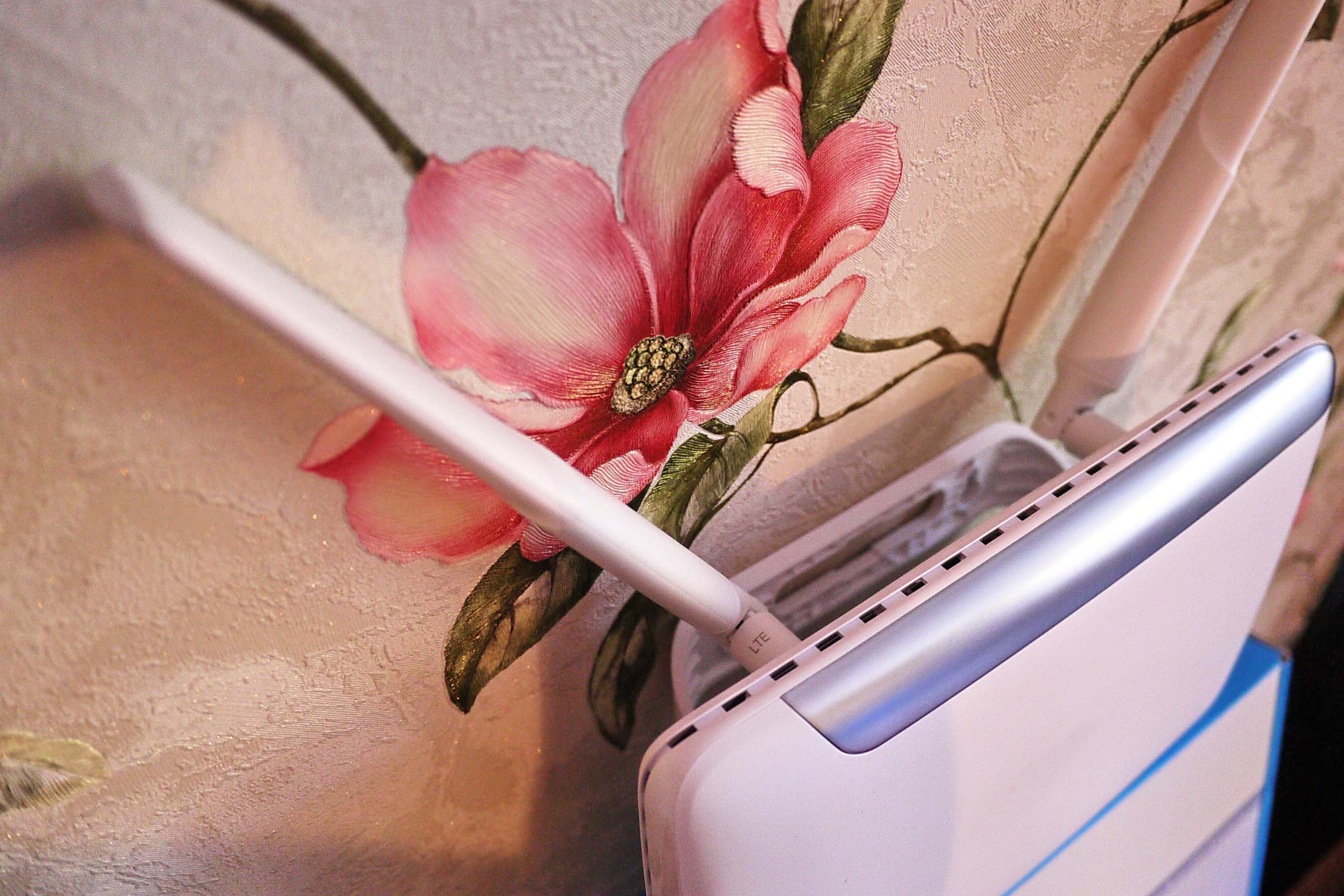
Home Internet Router

Setting up your home internet can seem daunting, but with the right guidance, you'll be surfing the web in no time! At Nicell Wireless, we understand that a reliable internet connection is essential for everything from streaming your favorite shows to getting work done efficiently. Here’s a simple, step-by-step guide to help you get your home internet up and running smoothly.


Step 1: Choose Your Internet Plan


Before diving into the setup process, you need to select the right internet plan for your needs. At Nicell Wireless, we offer a range of options to accommodate various lifestyles, whether you’re a casual user, a work-from-home professional, or a gaming enthusiast. Consider factors like speed, data limits, and budget. Don’t hesitate to reach out to our team for assistance in finding the perfect plan!


Step 2: Gather Your Equipment


Once you've chosen your internet plan, it’s time to gather the necessary equipment. Here's what you’ll typically need:


- Modem

This device connects to your internet provider and acts as a bridge between the internet and your home network.

- Router

A router is responsible for distributing the internet connection to your devices, whether via Wi-Fi or Ethernet cables.

- Cables

Ensure you have the necessary power cables, Ethernet cables, and any other connectors your modem or router might require.


If you don’t have your own equipment, Nicell Wireless can help you select reliable devices that suit your plan.


Step 3: Connect Your Modem


Start by connecting your modem to the internet source. Most often, this means plugging one end of the coaxial or DSL cable into the modem and the other end into the wall socket. Next, connect your modem to a power source and turn it on. Give it a few minutes to initialize—this process can take anywhere from a couple of minutes to about 10 minutes.


Step 4: Connect Your Router


Now it’s time to connect your router to the modem. Use an Ethernet cable to connect the router’s WAN (or Internet) port to the modem. Once that’s done, power up the router. Again, give it a few moments to full boot up.


Step 5: Configure Your Network


With your equipment connected, it’s time for some basic configuration. Use a computer or smartphone to connect to your router’s network. The default network name (SSID) and password are usually printed on the back or bottom of the router.


Open a web browser and enter the router’s IP address (also typically found on the router). This will take you to the configuration settings. Here, you can change your network name and password to something unique and secure. Don’t forget to save your changes!


Step 6: Connect Your Devices


Now the fun part begins—connecting your devices! Whether it’s laptops, smartphones, gaming consoles, or smart home devices, simply search for your newly named Wi-Fi network and enter the password to connect.


Step 7: Test Your Connection


Once everything is connected, run a speed test to ensure your internet is working as expected. You can use various online tools to check your download and upload speeds.


Conclusion


Setting up your home internet doesn’t have to be complicated. With a little planning and the right tools, you’ll be connected in no time. If you run into any issues or want to explore home internet packages, Nicell Wireless is here to help! Our team is just a phone call away, ready to assist you with all your internet needs. Happy surfing!
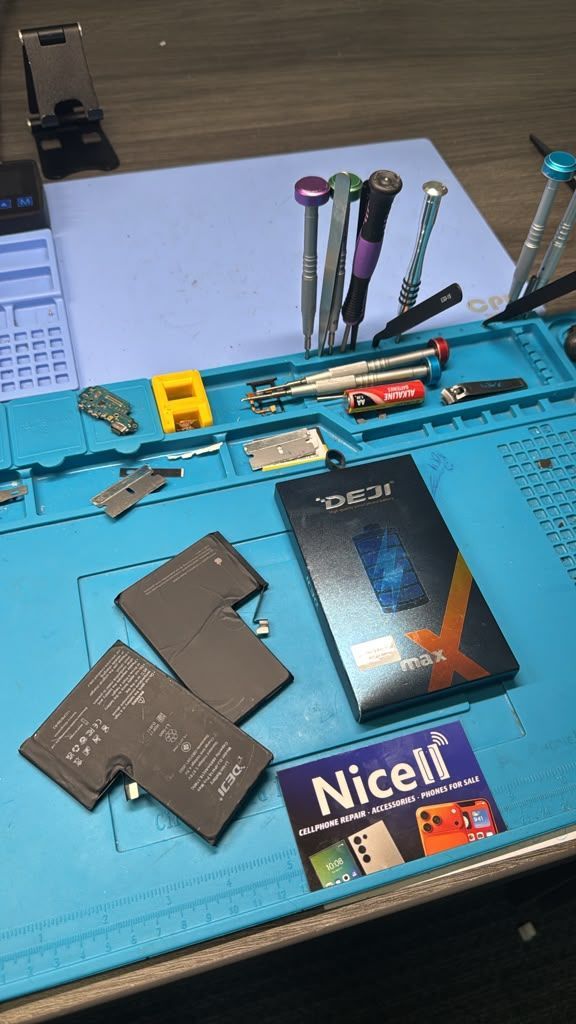
Nicell Cell Phone Repair card with iPhone battery replacement tools and electronics equipment Orem
By HUMBERTO DIAS August 13, 2026
Why is your iPhone battery draining fast? Discover 10 causes, solutions, and when to get iPhone battery replacement from Nicell Cell Phone Repair in Orem.
DEJI phone batteries for cell phone repair, battery replacement and smartphone repair in Salt Lake
By HUMBERTO DIAS August 11, 2026
Find reliable cell phone repair in Salt Lake City, Utah. Nicell offers iPhone and Samsung screen, battery, back glass and charging port repair.
iPhone water damage repair inspection at Nicell Cell Phone Repair South Salt Lake Utah
By HUMBERTO DIAS August 6, 2026
Dropped your phone in water? Learn what to do before repair. Nicell Cell Phone Repair in South Salt Lake provides water damage diagnostics and repair.
Broken black iPhone with repair tools and Nicell Cell Phone Repair box for smartphone repair in Orem
By HUMBERTO DIAS August 3, 2026
Learn iPhone back glass repair costs in Utah and save $20 OFF at Nicell Cell Phone Repair Orem. Fast, affordable iPhone repair in Utah County.
Teléfonos en venta West Valley City Utah iPhone Samsung desbloqueados Nicell Cell Phone Repair
July 29, 2026
Encuentra teléfonos en venta en West Valley City, Utah. iPhone, Samsung desbloqueados, smartphones y financiamiento disponible en Nicell Cell Phone Repair.
Cell phone repair technician workspace at Nicell Cell Phone Repair South Salt Lake with repair tools
By HUMBERTO DIAS July 24, 2026
Need iPhone screen repair in South Salt Lake, Utah? Nicell offers same-day cracked screen replacement, affordable phone repairs, and professional service for Salt Lake City, Murray, Holladay, and nearby areas.
Cell phone repair in Orem Utah featuring a smartphone and Nicell Cell Phone Repair
By HUMBERTO DIAS July 22, 2026
Looking for phone repair in Orem Utah? Nicell Cell Phone Repair helps UVU students and local customers with iPhone, Samsung, tablet, and computer repairs.
Same day phone repair in West Valley City Utah for iPhone and smartphones
By HUMBERTO DIAS July 17, 2026
Need cell phone repair in West Valley City? Nicell offers iPhone, Samsung & smartphone repairs with $20 OFF all repairs. Fast local service you trust.
Nicell Cell Phone Repair in South Salt Lake Utah providing iPhone, Samsung, and smartphone repair
By HUMBERTO DIAS July 15, 2026
Need phone repair in South Salt Lake, UT? Nicell offers same-day iPhone, Samsung, screen, battery, charging port, and device repair services near Salt Lake City.
By HUMBERTO DIAS July 2, 2026
Protect your phone this summer, especially for delivery drivers. Get $20 off repairs at Nicell Cell Phone Repair today!
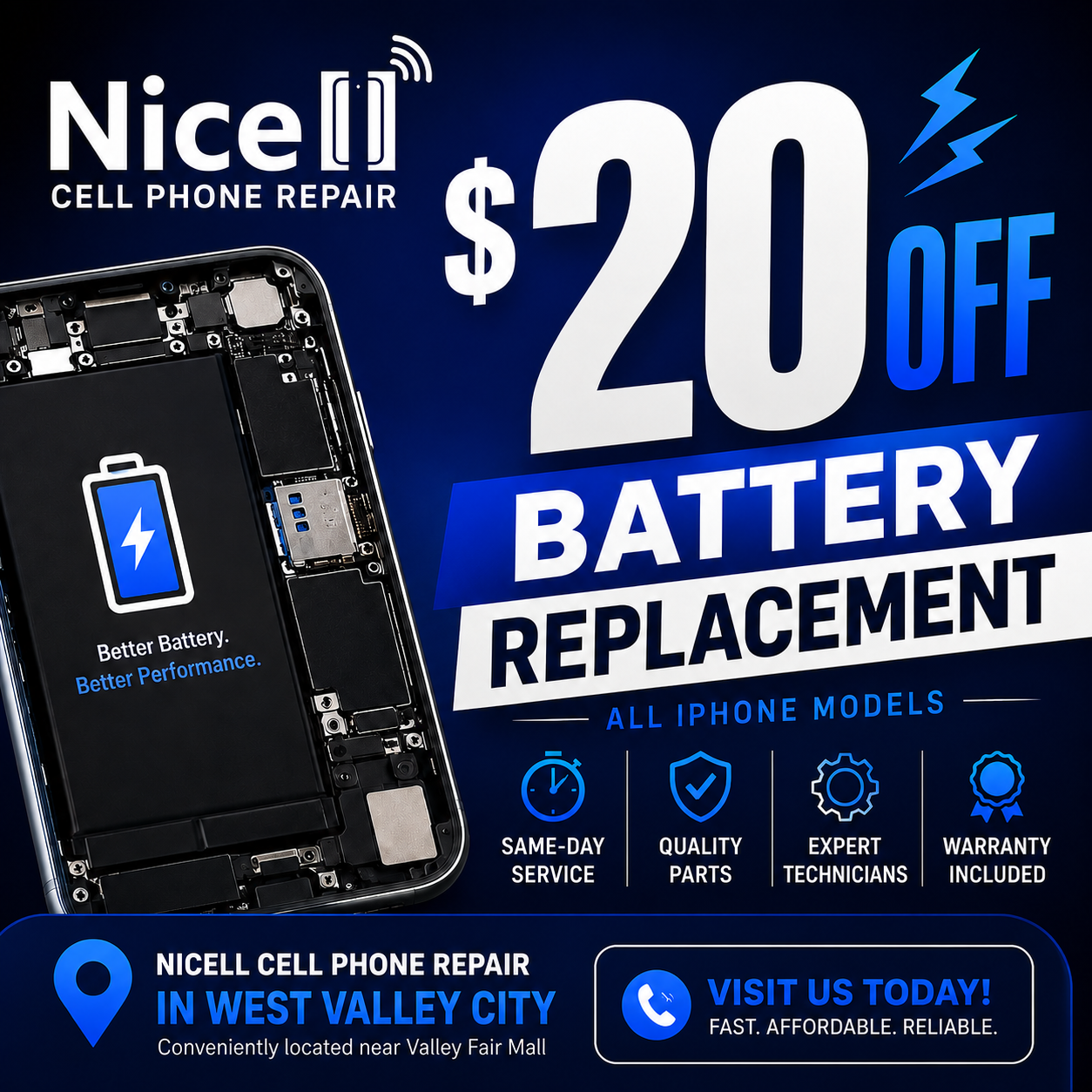
Blue promo ad for Nice Cell Phone Repair: $20 off battery replacement, all phone models, West Valley City.
By HUMBERTO DIAS July 1, 2026
Get same-day iPhone battery replacement at Nicell Cell Phone Repair. Enjoy $20 off today and restore your device's performance!
By HUMBERTO DIAS June 29, 2026
Fast, Affordable Phone Repair FAQs for South Salt Lake and Surrounding Areas
By HUMBERTO DIAS June 26, 2026
South Salt Lake Cell Phone Repair | Battery Replacement Near Salt Lake City
By HUMBERTO DIAS June 22, 2026
🔋 iPhone Battery Replacement in Orem, Utah | $20 OFF | Same-Day Service Near BYU & UVU
By HUMBERTO DIAS June 17, 2026
Keep your tablet fast, safe, and long-lasting with these simple tips
By HUMBERTO DIAS June 15, 2026
Simple Mobile Free Phone Promotions and Activation in Salt Lake City
By HUMBERTO DIAS June 11, 2026
👉 Before you trade in your phone, discover how simple repairs can help you qualify for the highest possible credit value and save more on your upgrade.
By HUMBERTO DIAS June 8, 2026
Fast, affordable charging port cleaning and replacement for iPhone, Samsung, Google Pixel, Motorola, and more in South Salt Lake, Utah.
By HUMBERTO DIAS June 5, 2026
Affordable cell phone repair in Orem for college students, including iPhone, Samsung, tablet, and computer repair services.
By HUMBERTO DIAS June 2, 2026
Save on professional phone, tablet, and computer repair services for new customers in South Salt Lake, Utah.
By HUMBERTO DIAS May 28, 2026
Protect your phone from viruses, malware, and performance issues in Orem, Utah
By HUMBERTO DIAS May 26, 2026
Same-day water damage phone repair in South Salt Lake with trusted iPhone and Samsung diagnostics and recovery services.
By HUMBERTO DIAS May 18, 2026
📱 Same-Day Phone Repair in Utah – Fast, Reliable iPhone & Samsung Repair You Can Trust
By HUMBERTO DIAS May 12, 2026
Fast iPhone Back Glass Repair in South Salt Lake, Orem & West Valley City – Same-Day Service Available
More Posts