How to Identify Which iPhone Model You Have: A Step-by-Step Guide
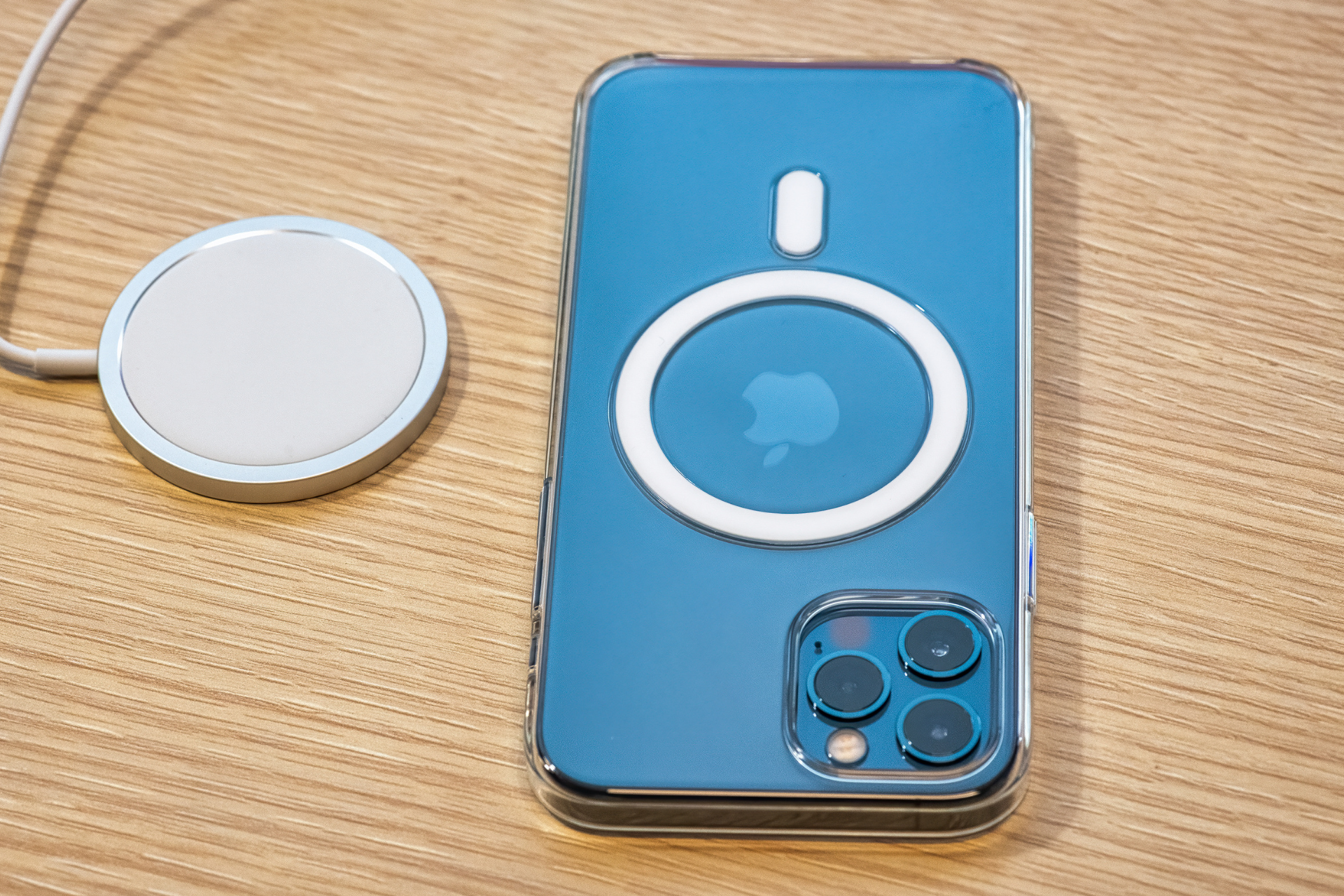
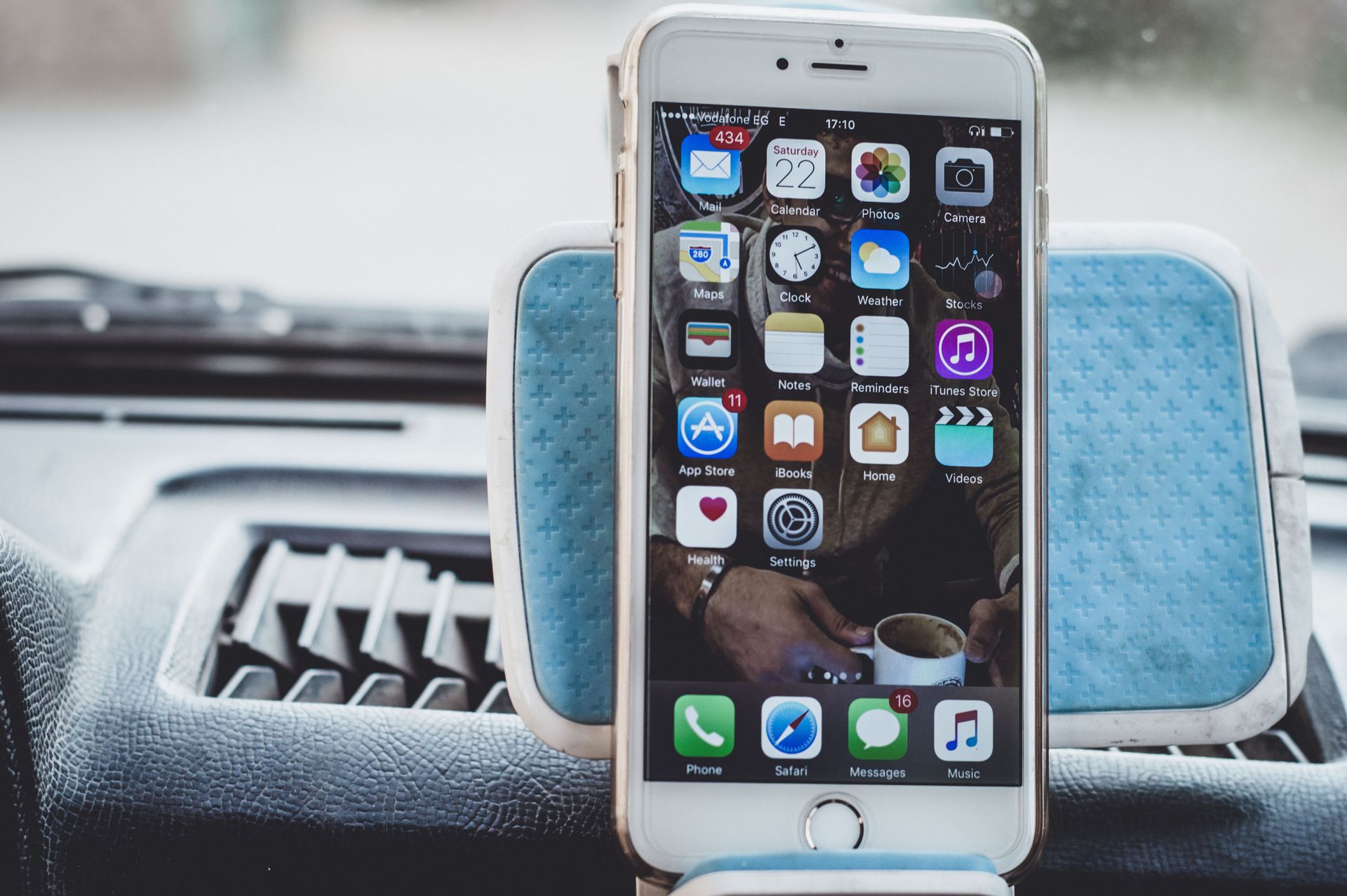
iPhone Pro 12

Hey there, Nicell Wireless community! We know how important it is to keep your devices in tip-top shape—after all, your iPhone is not just a phone; it's your connection to the world. But first things first: do you know exactly which iPhone model you’re working with? Identifying your iPhone can help when you're looking for repairs or purchasing accessories. If you’re unsure, don’t worry! We’ve got you covered with this easy step-by-step guide.


Step 1: Check the Settings


The quickest way to find out which iPhone model you have is through the Settings app. Just follow these steps:


1. Unlock your iPhone and go to the home screen.

2. Locate the Settings app (it’s the one with the gears icon).

3. Tap on General.

4. Next, select About

5. Look for the Model Name or Model Number. This will directly tell you your iPhone model.


Step 2: Physical Features


Sometimes the model name isn’t enough, especially if you’re considering a repair or buying new accessories. Take a look at your iPhone's physical features to help you narrow it down further:


- Camera Layout

The number and layout of the cameras can vary between models. For instance, the iPhone 11 has a dual-camera system organized diagonally, while the iPhone 12 and later have a more squared-off design.


- Size and Shape

Measure your phone. For example, the iPhone SE (2nd generation) is notably smaller than the iPhone 12 or 13 series.


- Buttons and Ports

If your iPhone has a home button, you might have an older model, like the iPhone 8 or SE. Newer models (iPhone X and later) feature a Face ID setup without the home button.


Step 3: Use the Model Number


If you have your iPhone handy, you’ll find the model number on the device itself. To locate it:


1. Take off the case if you have one on.

2. Look on the back of the iPhone. The model number is usually engraved at the bottom in tiny font, starting with an "A" followed by four numbers (e.g., A2342).

3. Once you’ve found it, head to Apple’s official website to cross-reference the model number. They have a handy tool that allows you to enter the number and see which iPhone model it corresponds to.


Step 4: Check the Box


If you still have the original box your iPhone came in, check the label on it. The model will be clearly indicated there, making it easy for you to identify your iPhone.


Step 5: Contact Us!


Still having trouble? Don’t sweat it! At Nicell Wireless, we’re here to help. Our knowledgeable team can assist you in identifying your iPhone model and answer any questions you have about repairs or upgrades. You can either visit our store in Salt Lake City or give us a call, and we’ll take it from there!


Identifying your iPhone model is a crucial step in ensuring you get the most out of your device, whether it’s for repairs, updates, or accessories. Follow these steps, and you’ll find out which iPhone you have in no time. Happy identifying!
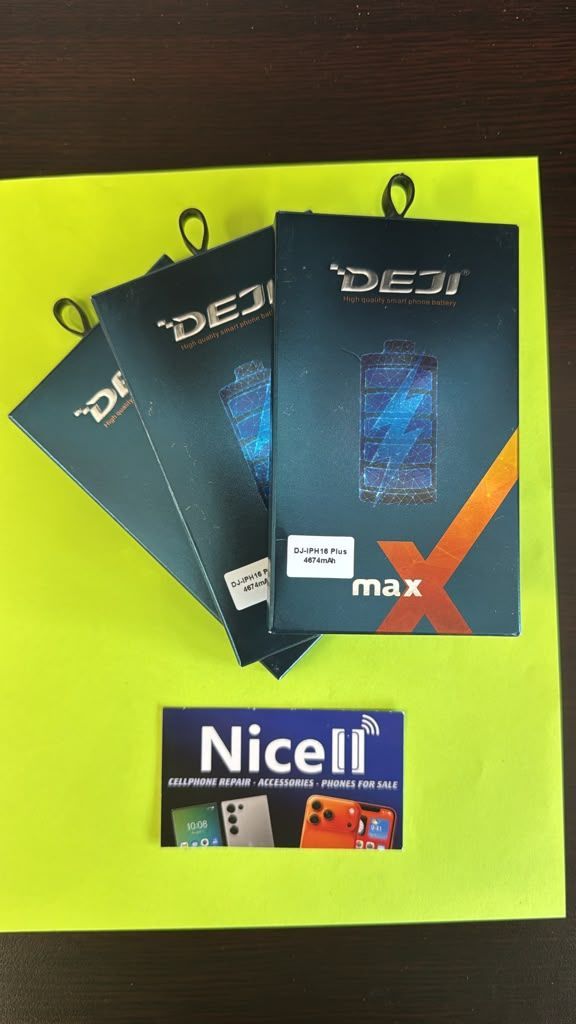
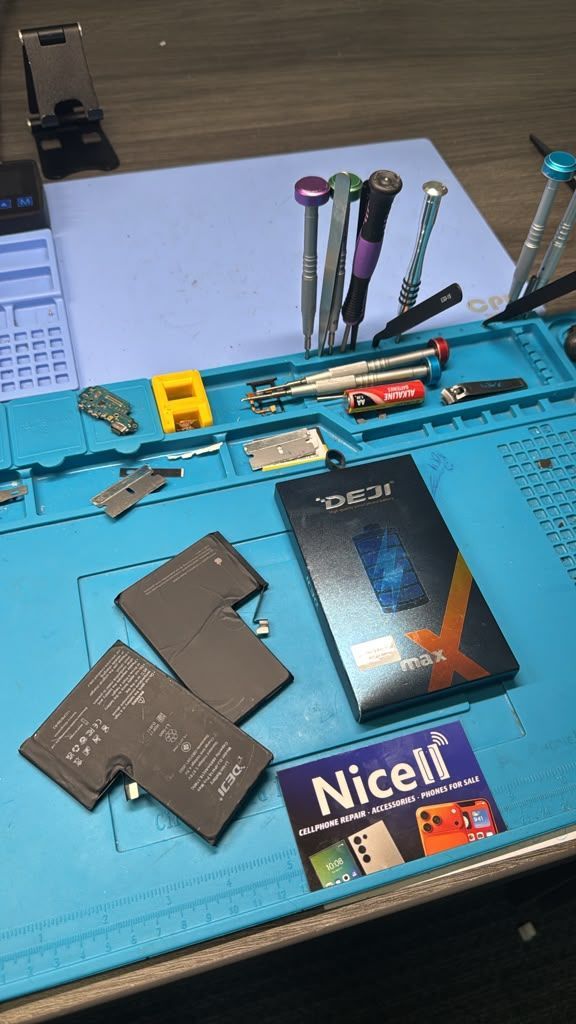
DEJI phone batteries for cell phone repair, battery replacement and smartphone repair in Salt Lake
By HUMBERTO DIAS August 11, 2026
Find reliable cell phone repair in Salt Lake City, Utah. Nicell offers iPhone and Samsung screen, battery, back glass and charging port repair.
iPhone water damage repair inspection at Nicell Cell Phone Repair South Salt Lake Utah
By HUMBERTO DIAS August 6, 2026
Dropped your phone in water? Learn what to do before repair. Nicell Cell Phone Repair in South Salt Lake provides water damage diagnostics and repair.
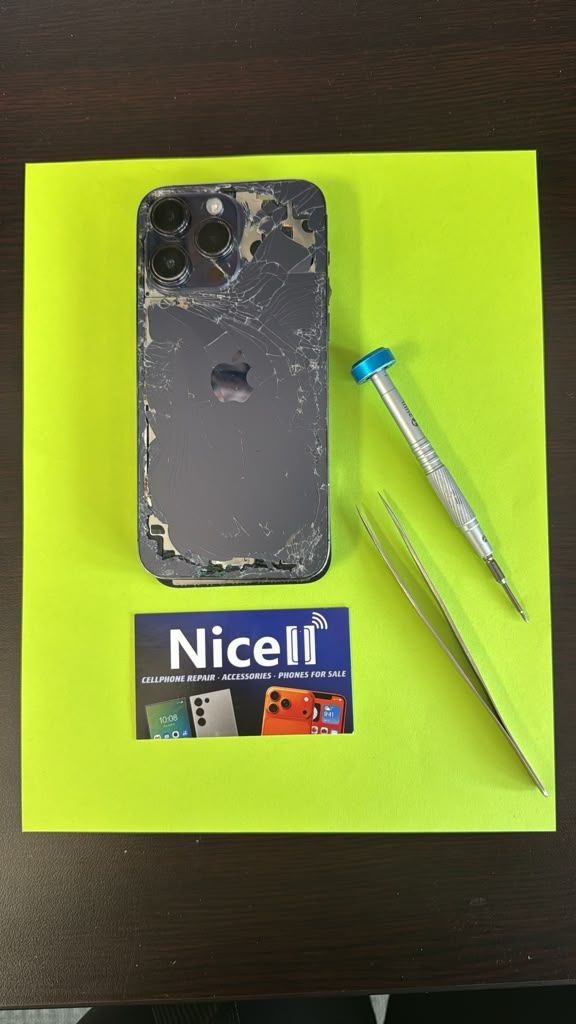
Broken black iPhone with repair tools and Nicell Cell Phone Repair box for smartphone repair in Orem
By HUMBERTO DIAS August 3, 2026
Learn iPhone back glass repair costs in Utah and save $20 OFF at Nicell Cell Phone Repair Orem. Fast, affordable iPhone repair in Utah County.
Teléfonos en venta West Valley City Utah iPhone Samsung desbloqueados Nicell Cell Phone Repair
July 29, 2026
Encuentra teléfonos en venta en West Valley City, Utah. iPhone, Samsung desbloqueados, smartphones y financiamiento disponible en Nicell Cell Phone Repair.
Cell phone repair technician workspace at Nicell Cell Phone Repair South Salt Lake with repair tools
By HUMBERTO DIAS July 24, 2026
Need iPhone screen repair in South Salt Lake, Utah? Nicell offers same-day cracked screen replacement, affordable phone repairs, and professional service for Salt Lake City, Murray, Holladay, and nearby areas.
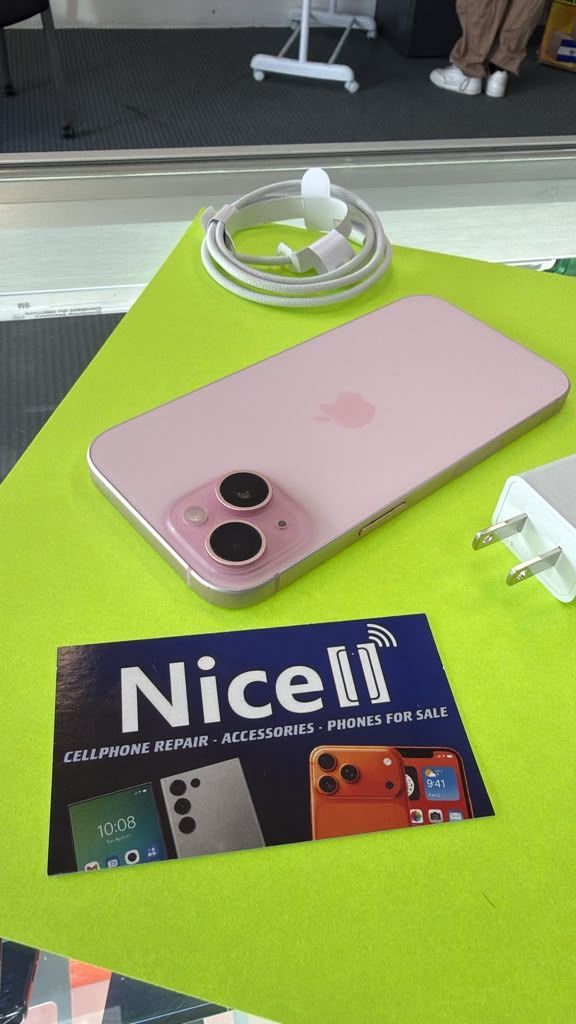
Cell phone repair in Orem Utah featuring a smartphone and Nicell Cell Phone Repair
By HUMBERTO DIAS July 22, 2026
Looking for phone repair in Orem Utah? Nicell Cell Phone Repair helps UVU students and local customers with iPhone, Samsung, tablet, and computer repairs.
Same day phone repair in West Valley City Utah for iPhone and smartphones
By HUMBERTO DIAS July 17, 2026
Need cell phone repair in West Valley City? Nicell offers iPhone, Samsung & smartphone repairs with $20 OFF all repairs. Fast local service you trust.
Nicell Cell Phone Repair in South Salt Lake Utah providing iPhone, Samsung, and smartphone repair
By HUMBERTO DIAS July 15, 2026
Need phone repair in South Salt Lake, UT? Nicell offers same-day iPhone, Samsung, screen, battery, charging port, and device repair services near Salt Lake City.
By HUMBERTO DIAS July 2, 2026
Protect your phone this summer, especially for delivery drivers. Get $20 off repairs at Nicell Cell Phone Repair today!
Blue promo ad for Nice Cell Phone Repair: $20 off battery replacement, all phone models, West Valley City.
By HUMBERTO DIAS July 1, 2026
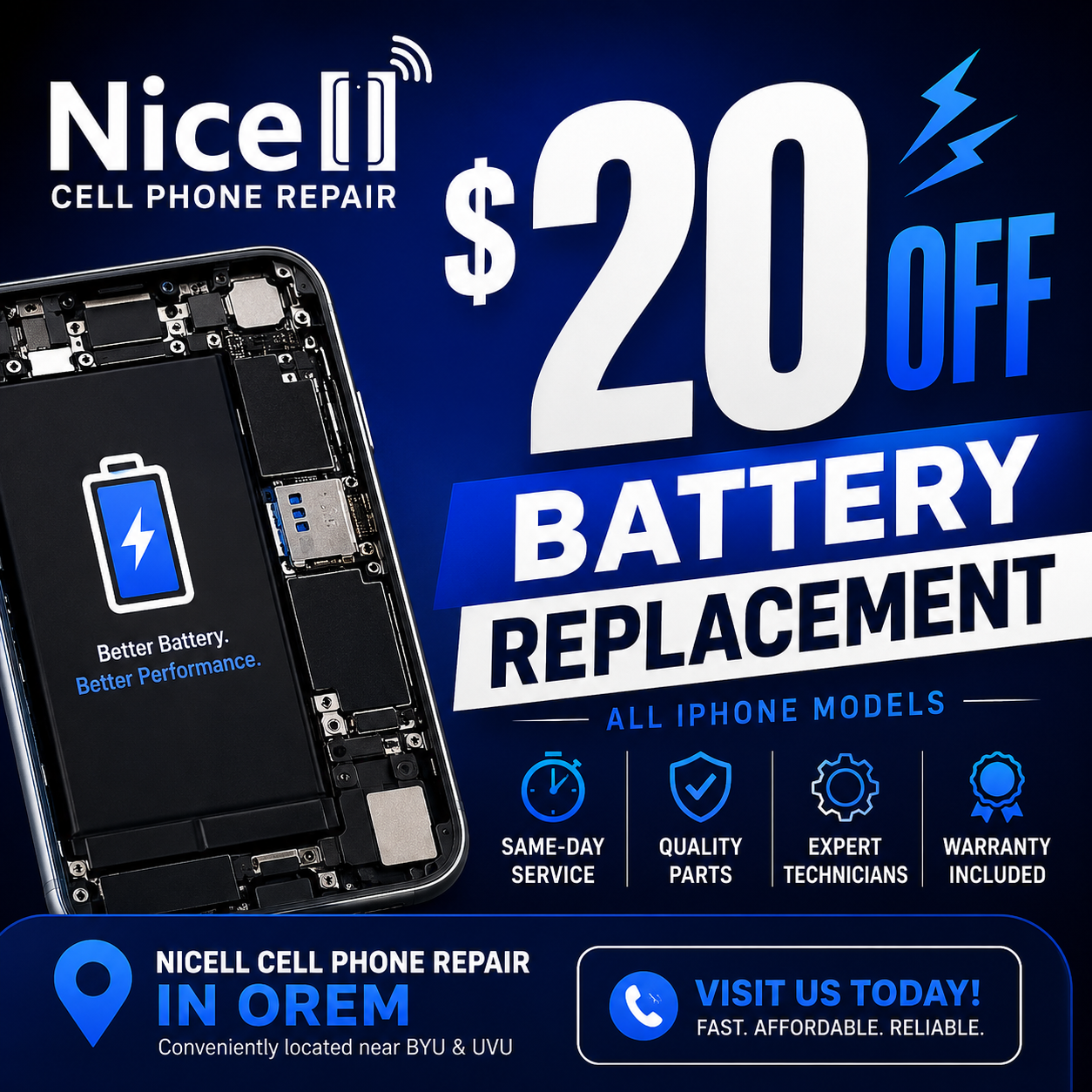
Get same-day iPhone battery replacement at Nicell Cell Phone Repair. Enjoy $20 off today and restore your device's performance!
By HUMBERTO DIAS June 29, 2026
Fast, Affordable Phone Repair FAQs for South Salt Lake and Surrounding Areas
By HUMBERTO DIAS June 26, 2026
South Salt Lake Cell Phone Repair | Battery Replacement Near Salt Lake City
By HUMBERTO DIAS June 22, 2026
🔋 iPhone Battery Replacement in Orem, Utah | $20 OFF | Same-Day Service Near BYU & UVU
By HUMBERTO DIAS June 17, 2026
Keep your tablet fast, safe, and long-lasting with these simple tips
By HUMBERTO DIAS June 15, 2026
Simple Mobile Free Phone Promotions and Activation in Salt Lake City
By HUMBERTO DIAS June 11, 2026
👉 Before you trade in your phone, discover how simple repairs can help you qualify for the highest possible credit value and save more on your upgrade.
By HUMBERTO DIAS June 8, 2026
Fast, affordable charging port cleaning and replacement for iPhone, Samsung, Google Pixel, Motorola, and more in South Salt Lake, Utah.
By HUMBERTO DIAS June 5, 2026
Affordable cell phone repair in Orem for college students, including iPhone, Samsung, tablet, and computer repair services.
By HUMBERTO DIAS June 2, 2026
Save on professional phone, tablet, and computer repair services for new customers in South Salt Lake, Utah.
By HUMBERTO DIAS May 28, 2026
Protect your phone from viruses, malware, and performance issues in Orem, Utah
By HUMBERTO DIAS May 26, 2026
Same-day water damage phone repair in South Salt Lake with trusted iPhone and Samsung diagnostics and recovery services.
By HUMBERTO DIAS May 18, 2026
📱 Same-Day Phone Repair in Utah – Fast, Reliable iPhone & Samsung Repair You Can Trust
By HUMBERTO DIAS May 12, 2026
Fast iPhone Back Glass Repair in South Salt Lake, Orem & West Valley City – Same-Day Service Available
By HUMBERTO DIAS May 6, 2026
🔋 iPhone, Samsung & Tablet Battery Replacement in Salt Lake City, Orem & West Valley (Same-Day Service)
More Posts