Home Internet Speed Tests: How to Check Your Connection
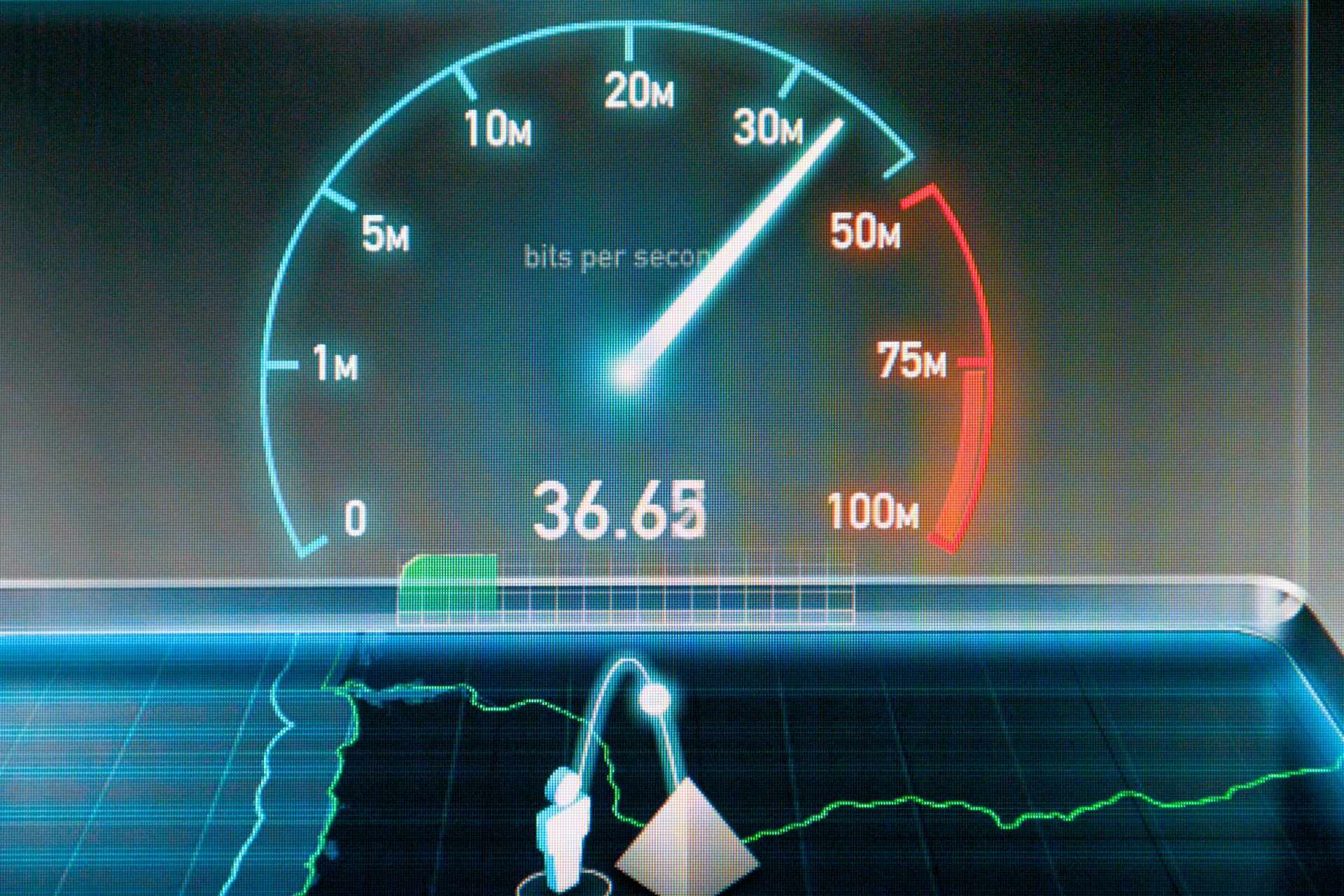
Home Internet Speed Test

If you're like most people, a slow internet connection can be incredibly frustrating. Whether you're trying to stream your favorite show, work from home, or play online games, a sluggish connection can seriously hamper your productivity and entertainment. But how do you know if your internet speed is up to par? In this blog post, we'll walk you through the process of testing your home internet connection, so you can make sure you're getting the speeds you're paying for.


Meet Nicell Wireless, your go-to destination in Salt Lake City for all your cell phone repair needs. From fixing iPhones and Samsung phones to laptops, computers, and gaming systems, Nicell Wireless has got you covered. But that's not all – they also offer unlocked phones, mobile plans, and home internet services. With their exceptional customer service and expertise in tech repairs, Nicell Wireless is your one-stop shop for all things tech-related.


Now, let's dive into the world of home internet speed tests. Checking your internet speed is a simple process that can give you valuable insights into the quality of your connection. Here are a few steps to help you get started:


Step 1: Choose a Reliable Speed Test Tool

There are plenty of websites and apps that offer speed test tools, but it's essential to choose a reliable and trustworthy one. Websites like Ookla's Speedtest, Fast.com, and Google's speed test are popular options that can provide accurate results in a matter of seconds.


Step 2: Close Unnecessary Programs

Before running the speed test, make sure to close any unnecessary programs or apps that may be using up your internet bandwidth. This will give you a more accurate reading of your connection speed.


Step 3: Run the Speed Test

Once you've chosen your speed test tool and closed any unnecessary programs, it's time to run the test. Simply click the "run test" button on the tool of your choice, and wait a few moments for the test to complete. The speed test will measure your download and upload speeds, as well as your ping latency.


Step 4: Compare Your Results

After the speed test is complete, you'll see your download and upload speeds displayed on the screen. Compare these speeds to what you're paying for with your internet service provider. If your speeds are significantly lower than what you're paying for, it may be time to contact your ISP and troubleshoot the issue.


Step 5: Troubleshooting Tips

If you find that your internet speeds are slower than expected, there are a few troubleshooting tips you can try:


- Restart your modem and router

- Move closer to your router if you're using a Wi-Fi connection

- Check for any malware or viruses on your devices

- Upgrade your internet plan if necessary


By following these simple steps, you can easily check your home internet connection and ensure that you're getting the speeds you need for all your online activities. Remember, a speedy internet connection is essential in today's digital world, so don't settle for anything less than top-notch performance.


Nicell Wireless is here to help with all your tech needs, including cell phone repairs, mobile plans, and home internet services. With their expert team of technicians and commitment to customer satisfaction, Nicell Wireless is the perfect partner for all things tech-related. So, if you're experiencing internet connection issues, don't hesitate to reach out to Nicell Wireless for assistance.


Now that you know how to check your home internet connection, it's time to put your knowledge to the test. Head over to your favorite speed test tool and see how your connection stacks up. Happy browsing!

iPhone water damage repair inspection at Nicell Cell Phone Repair South Salt Lake Utah
By HUMBERTO DIAS August 6, 2026
Dropped your phone in water? Learn what to do before repair. Nicell Cell Phone Repair in South Salt Lake provides water damage diagnostics and repair.
Broken black iPhone with repair tools and Nicell Cell Phone Repair box for smartphone repair in Orem
By HUMBERTO DIAS August 3, 2026
Learn iPhone back glass repair costs in Utah and save $20 OFF at Nicell Cell Phone Repair Orem. Fast, affordable iPhone repair in Utah County.
Teléfonos en venta West Valley City Utah iPhone Samsung desbloqueados Nicell Cell Phone Repair
July 29, 2026
Encuentra teléfonos en venta en West Valley City, Utah. iPhone, Samsung desbloqueados, smartphones y financiamiento disponible en Nicell Cell Phone Repair.
Cell phone repair technician workspace at Nicell Cell Phone Repair South Salt Lake with repair tools
By HUMBERTO DIAS July 24, 2026
Need iPhone screen repair in South Salt Lake, Utah? Nicell offers same-day cracked screen replacement, affordable phone repairs, and professional service for Salt Lake City, Murray, Holladay, and nearby areas.
Cell phone repair in Orem Utah featuring a smartphone and Nicell Cell Phone Repair
By HUMBERTO DIAS July 22, 2026
Looking for phone repair in Orem Utah? Nicell Cell Phone Repair helps UVU students and local customers with iPhone, Samsung, tablet, and computer repairs.
Same day phone repair in West Valley City Utah for iPhone and smartphones
By HUMBERTO DIAS July 17, 2026
Need cell phone repair in West Valley City? Nicell offers iPhone, Samsung & smartphone repairs with $20 OFF all repairs. Fast local service you trust.
Nicell Cell Phone Repair in South Salt Lake Utah providing iPhone, Samsung, and smartphone repair
By HUMBERTO DIAS July 15, 2026
Need phone repair in South Salt Lake, UT? Nicell offers same-day iPhone, Samsung, screen, battery, charging port, and device repair services near Salt Lake City.
By HUMBERTO DIAS July 2, 2026
Protect your phone this summer, especially for delivery drivers. Get $20 off repairs at Nicell Cell Phone Repair today!
Blue promo ad for Nice Cell Phone Repair: $20 off battery replacement, all phone models, West Valley City.
By HUMBERTO DIAS July 1, 2026
Get same-day iPhone battery replacement at Nicell Cell Phone Repair. Enjoy $20 off today and restore your device's performance!
By HUMBERTO DIAS June 29, 2026
Fast, Affordable Phone Repair FAQs for South Salt Lake and Surrounding Areas
By HUMBERTO DIAS June 26, 2026
South Salt Lake Cell Phone Repair | Battery Replacement Near Salt Lake City
By HUMBERTO DIAS June 22, 2026
🔋 iPhone Battery Replacement in Orem, Utah | $20 OFF | Same-Day Service Near BYU & UVU
By HUMBERTO DIAS June 17, 2026
Keep your tablet fast, safe, and long-lasting with these simple tips
By HUMBERTO DIAS June 15, 2026
Simple Mobile Free Phone Promotions and Activation in Salt Lake City
By HUMBERTO DIAS June 11, 2026
👉 Before you trade in your phone, discover how simple repairs can help you qualify for the highest possible credit value and save more on your upgrade.
By HUMBERTO DIAS June 8, 2026
Fast, affordable charging port cleaning and replacement for iPhone, Samsung, Google Pixel, Motorola, and more in South Salt Lake, Utah.
By HUMBERTO DIAS June 5, 2026
Affordable cell phone repair in Orem for college students, including iPhone, Samsung, tablet, and computer repair services.
By HUMBERTO DIAS June 2, 2026
Save on professional phone, tablet, and computer repair services for new customers in South Salt Lake, Utah.
By HUMBERTO DIAS May 28, 2026
Protect your phone from viruses, malware, and performance issues in Orem, Utah
By HUMBERTO DIAS May 26, 2026
Same-day water damage phone repair in South Salt Lake with trusted iPhone and Samsung diagnostics and recovery services.
By HUMBERTO DIAS May 18, 2026
📱 Same-Day Phone Repair in Utah – Fast, Reliable iPhone & Samsung Repair You Can Trust
By HUMBERTO DIAS May 12, 2026
Fast iPhone Back Glass Repair in South Salt Lake, Orem & West Valley City – Same-Day Service Available
By HUMBERTO DIAS May 6, 2026
🔋 iPhone, Samsung & Tablet Battery Replacement in Salt Lake City, Orem & West Valley (Same-Day Service)
May 4, 2026
📱 Fast & Reliable Device Repair in Utah – Cell Phone, Tablet & Computer Repair
More Posts